← Back to Engineering Projects

Remote Control Car

Robotics, Electrical, and Mechanical Engineering for Students Grades 8/9
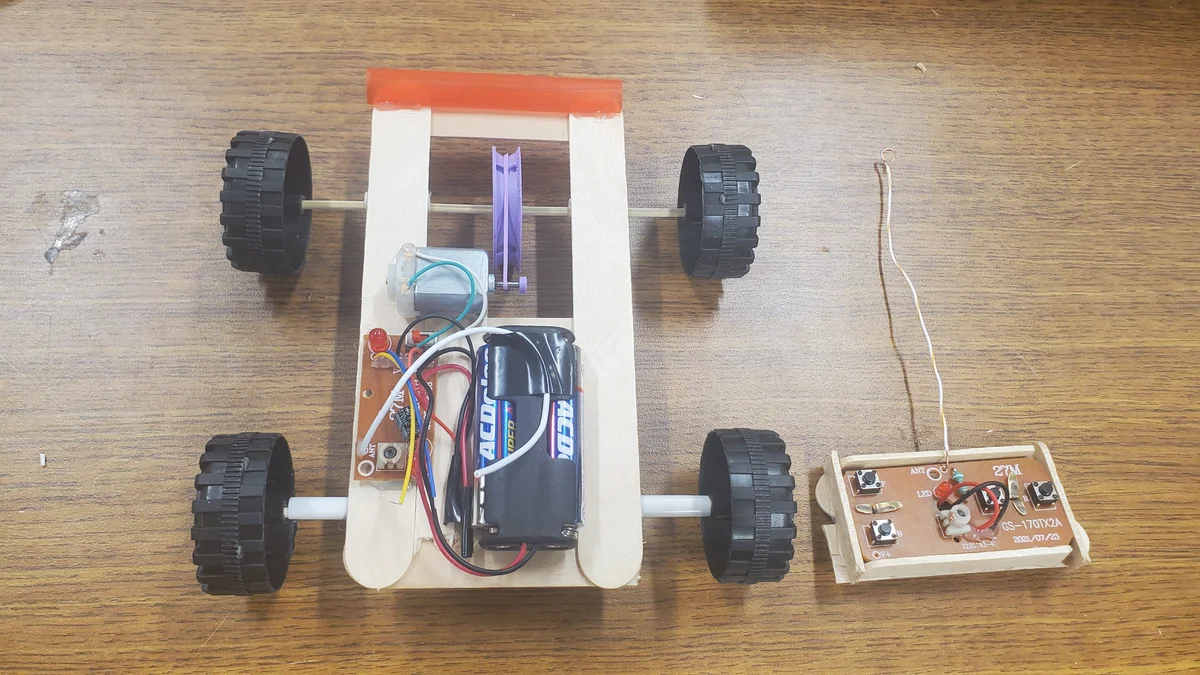
Remote Control Car Final Build

While working at DiscoverE engineering camp at the University of Alberta I was tasked with creating the curriculum for a remote control car project. The challenge was to create a car that could be built in a single day by students grades 8 and 9 with minimal tools and materials.


This project combines mechanical and electrical engineering to create a functional RC car from scratch. Designed for students and hobbyists, it focuses on teaching core concepts like torque, gear ratios, and RF (Radio Frequency) transmission while keeping the total cost under $10.

Project Overview

Materials

  • 4 Jumbo Popsicle Sticks
  • 2 Thin Skewers (2.5mm dia)
  • 4 Wheels (42mm dia)
  • 3V DC Motor
  • 2 AA Batteries + Holder
  • RF Receiver & Transmitter Circuits
  • 3D Printed Gears (Drive & Stopper)
  • 1 Regular Straw & 1 Bubble Tea Straw
  • Loom Band Elastics
  • Googly Eyes (Optional)
  • Tools: Ruler, Wire Strippers, Scissors, Hot Glue

Quick Stats

  • Target Cost: ~$9.36
  • Build Time: ~3.5 Hours
  • Complexity: Level 1 (Beginner)
  • Required: 3D Printer
  • Required: Soldering Iron (Semi-Optional)

Demo Video

Prototypes

The final design was the result of 6 major iterations, refining chassis stability and axle friction to ensure a reliable build that could be completed by students within the camp timeframe.
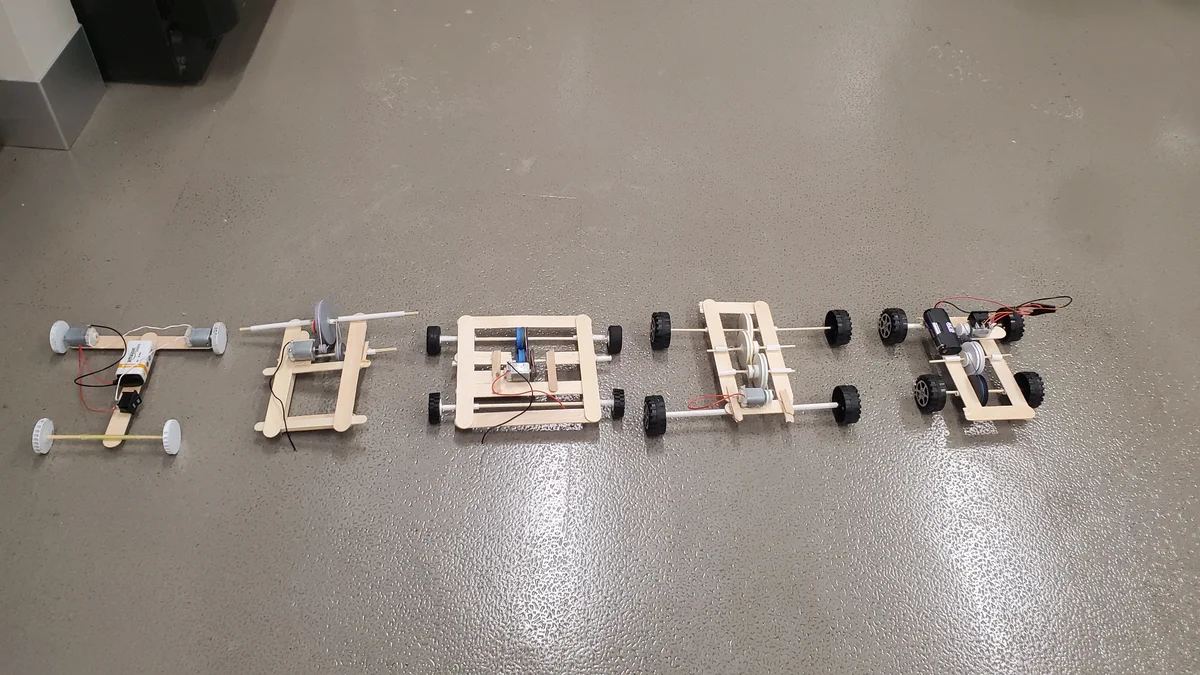
Prototype Iterations
Evolution from early popsicle stick experiments to the final standardized design.

Part 1: The Car

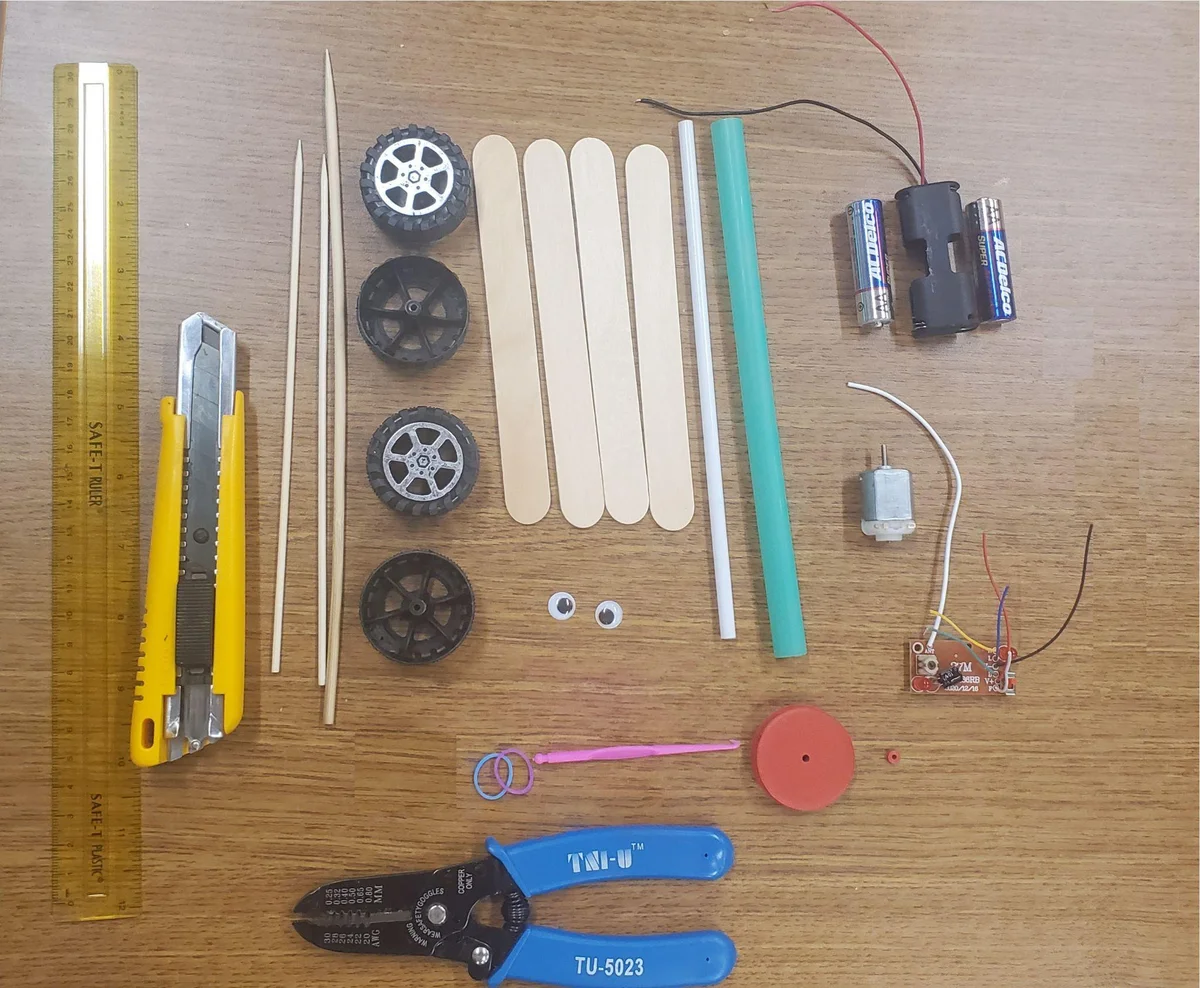
Car Materials

Materials Overview

Ensure you have the following components ready for the car assembly:

  • 4 Jumbo Popsicle Sticks
  • 8” Plastic Straw
  • 3V DC Motor
  • 2 AA Batteries & Holder
  • 2 Thin Skewers (6”)
  • 4 Wheels (42mm)
  • Loom Band Elastics
  • RF Receiver
  • 3D Printed Wheel Gears
  • Bubble Tea Straw (1)
  • Googly Eyes (2)

(The thick skewer shown in the photo is used for the controller, not the car.)

Step-by-Step Build

Step 1 image 1
Step 1

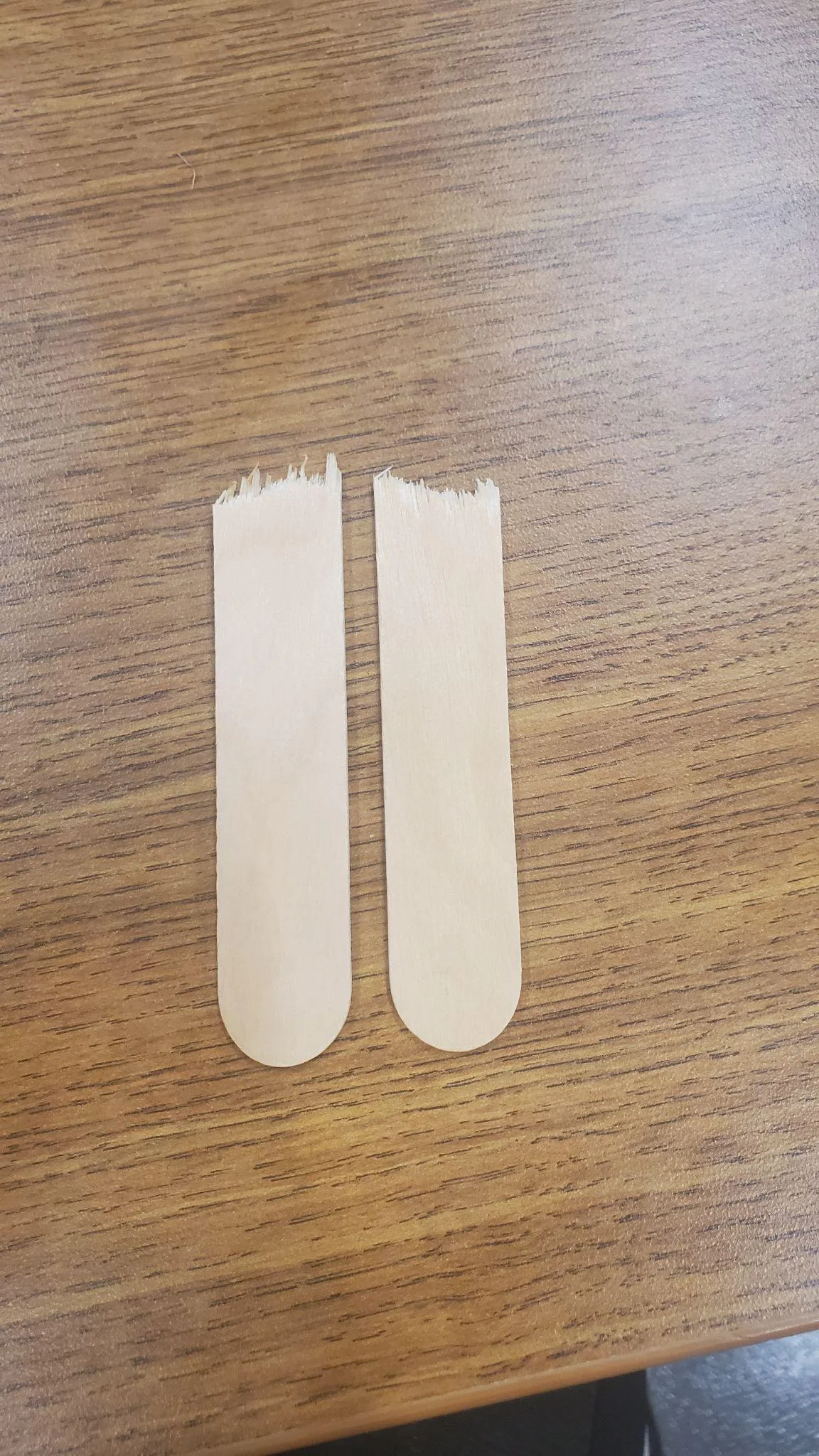
Take one of the large popsicle sticks and snap it in half. Try and be as precise as possible (with every step).

Step 2 image 1
Step 2

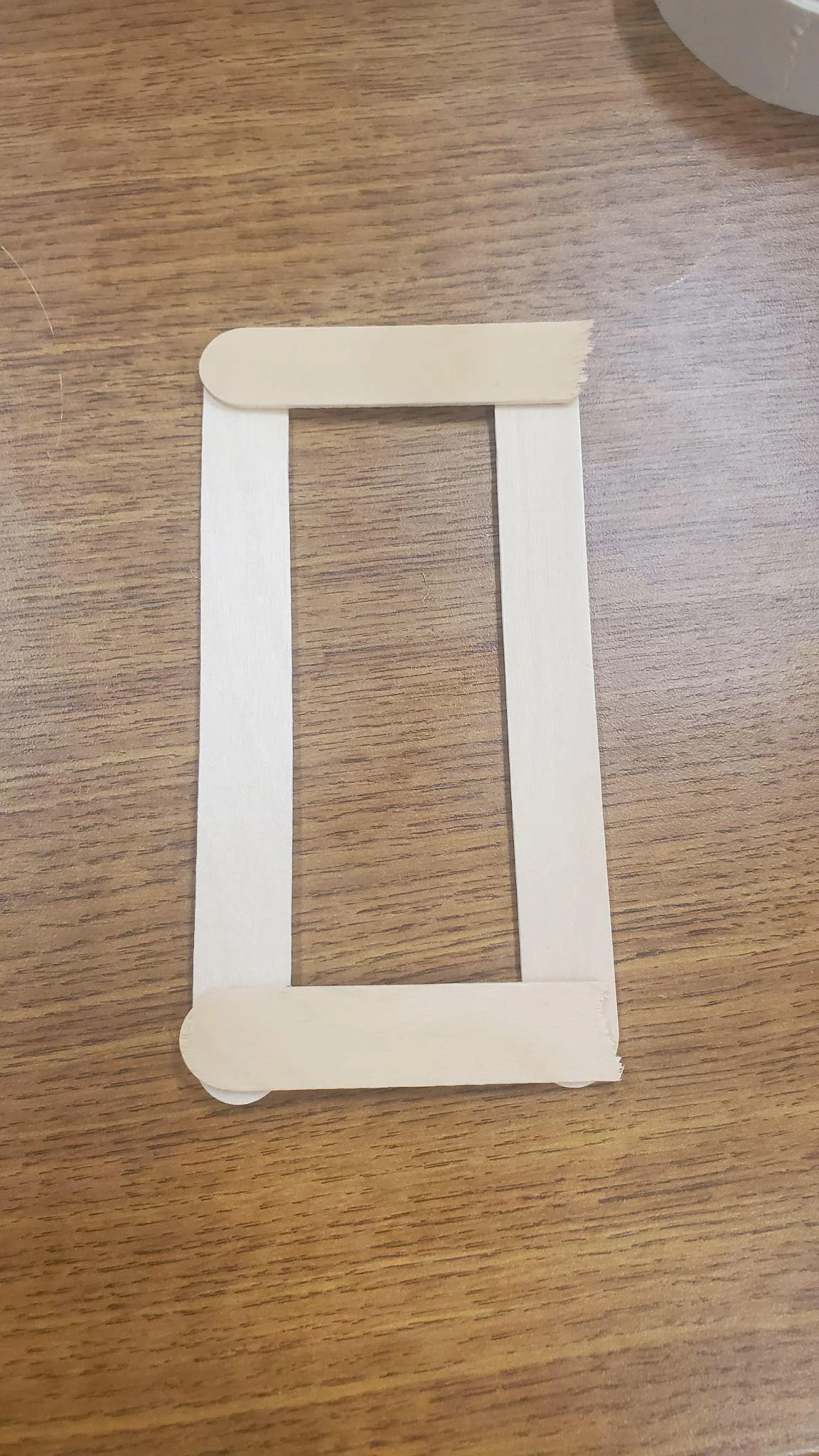
Take 2 more full large popsicle sticks and hot glue the halves parallele making a box 1 by 1/2 popsicle sticks. Make sure both halves are hot glued on top.

Step 3 image 1
Step 3

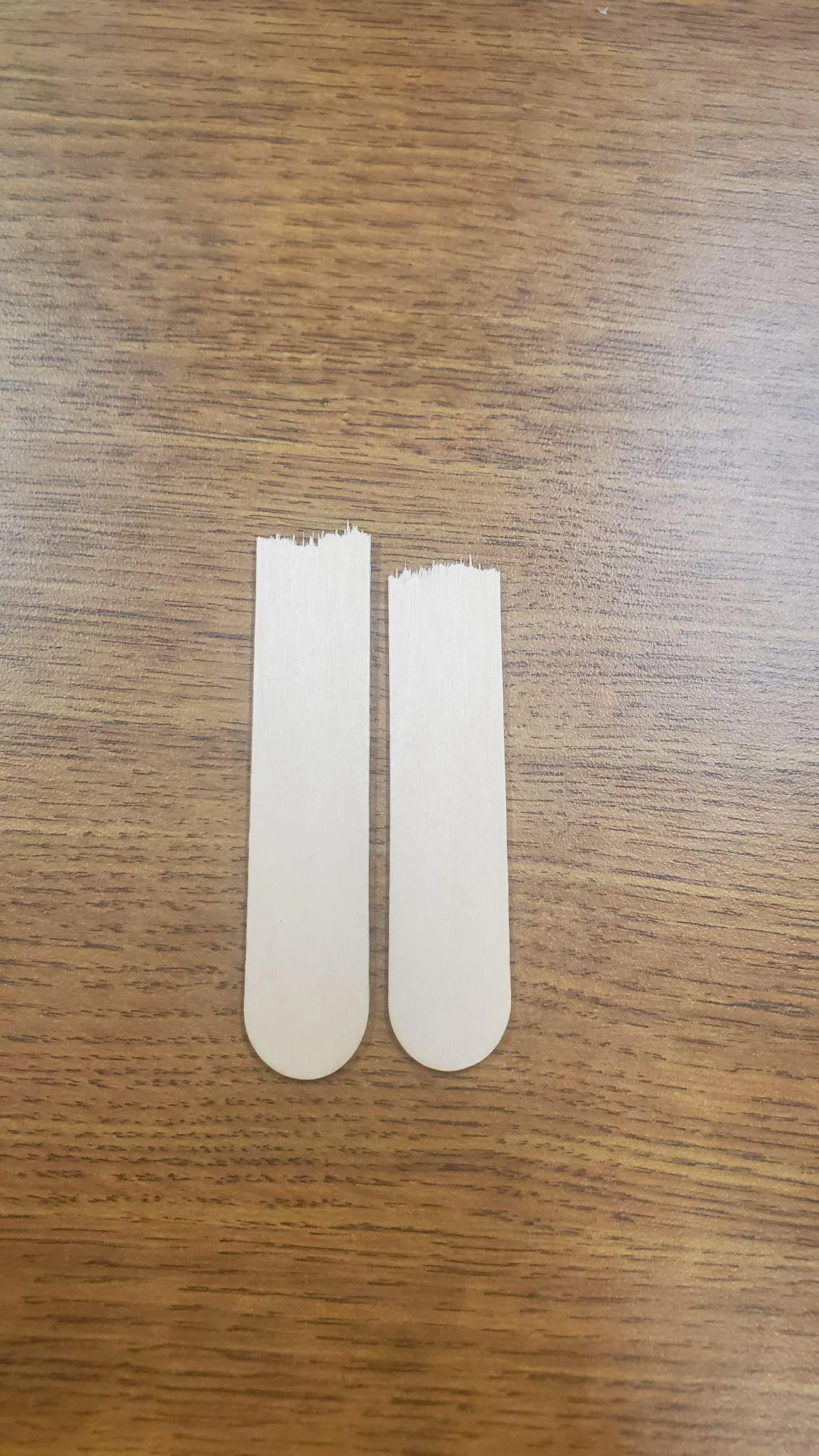
Take the last large popsicle stick and snap it in half too.

Step 4 image 1
Step 4

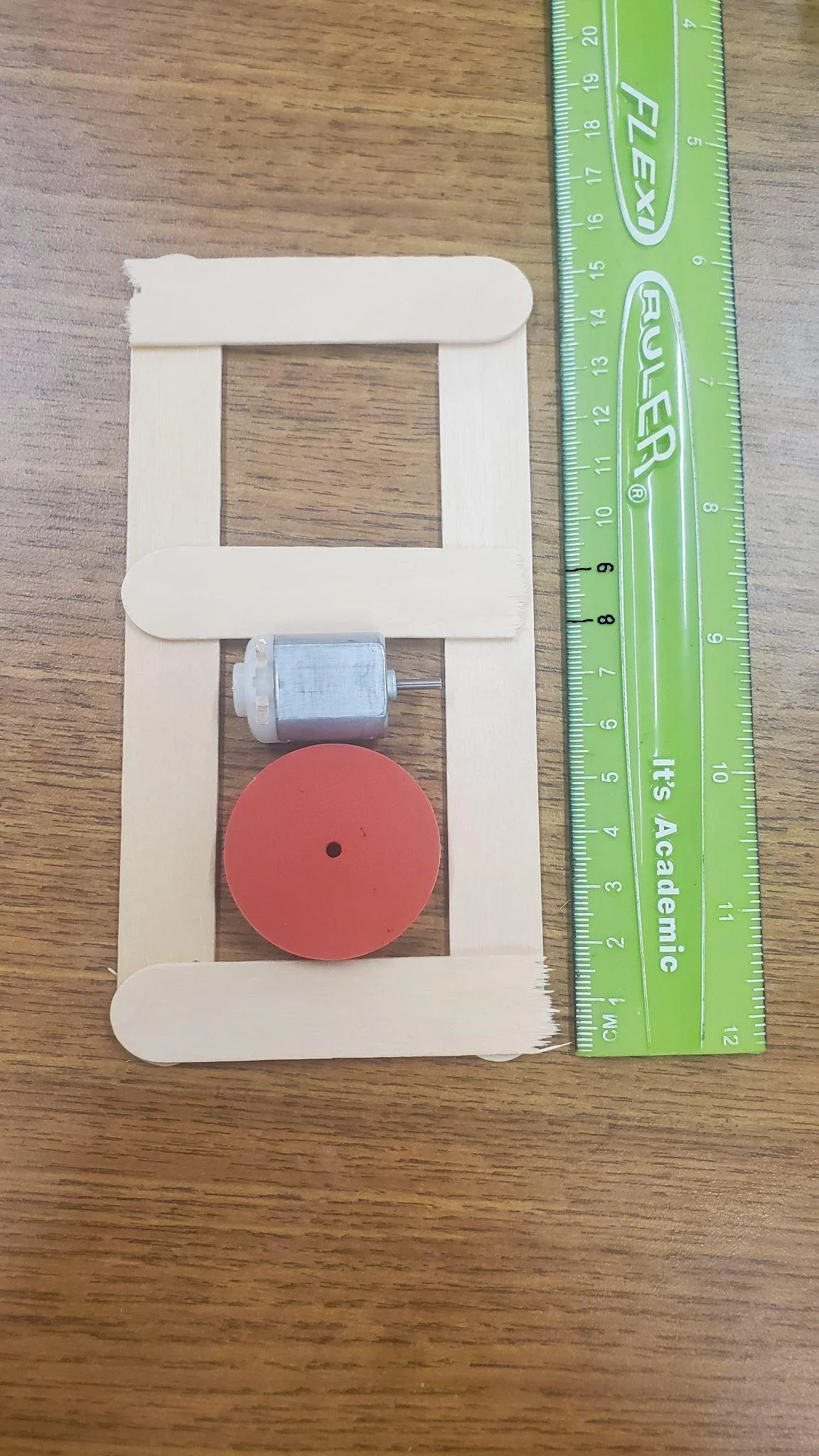
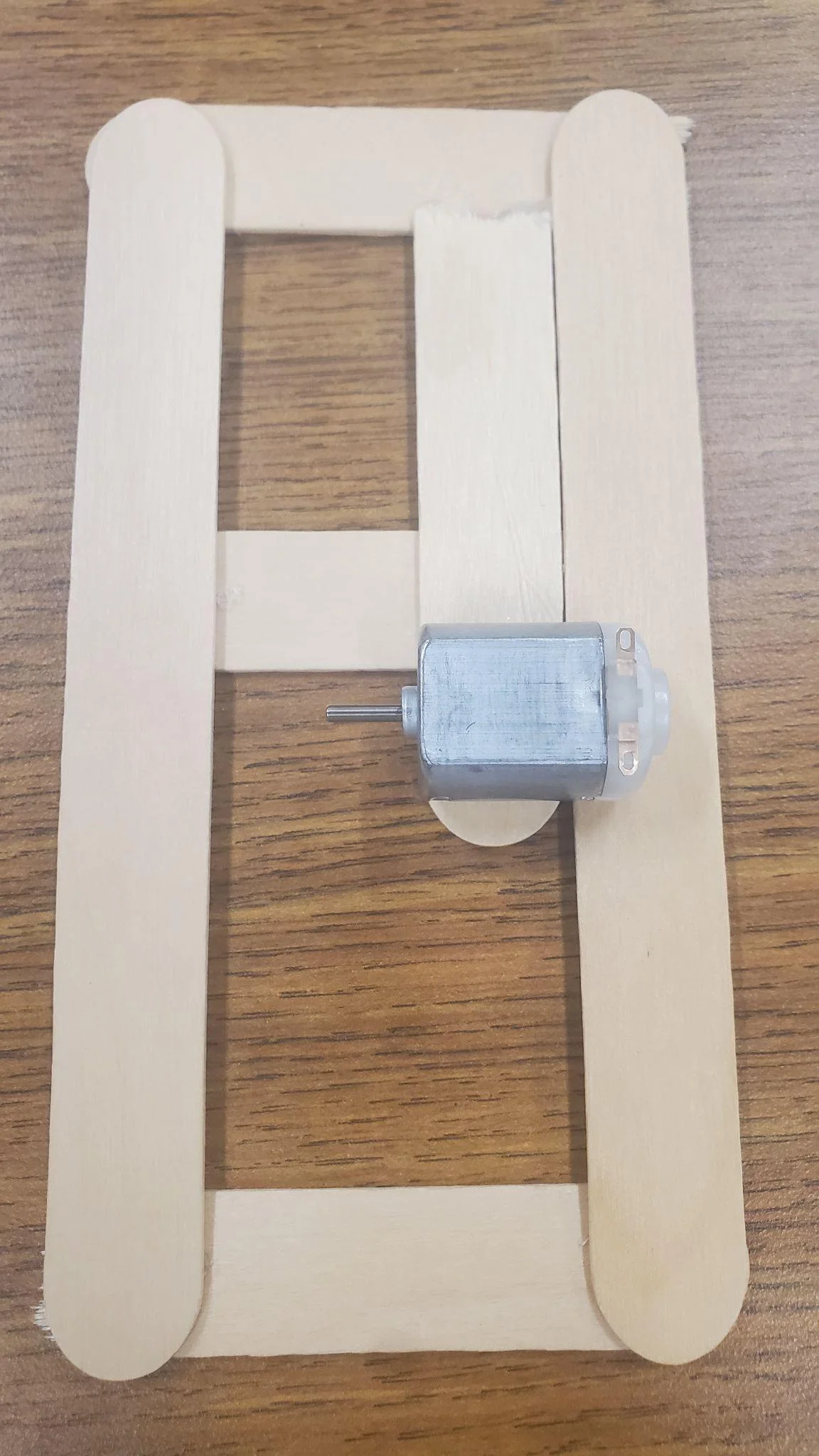
Lay the large 3d printed wheel and motor from the bottom of the box. Lastly lay and hot glue the half popsicle stick across. Or use a ruler and measure around 8cm to 9cm where it should lay. MAKE SURE: the 3rd half that is glued in the center is also on top of the longer pieces. All the halves should be level with each other.

Step 5 image 1
Step 5

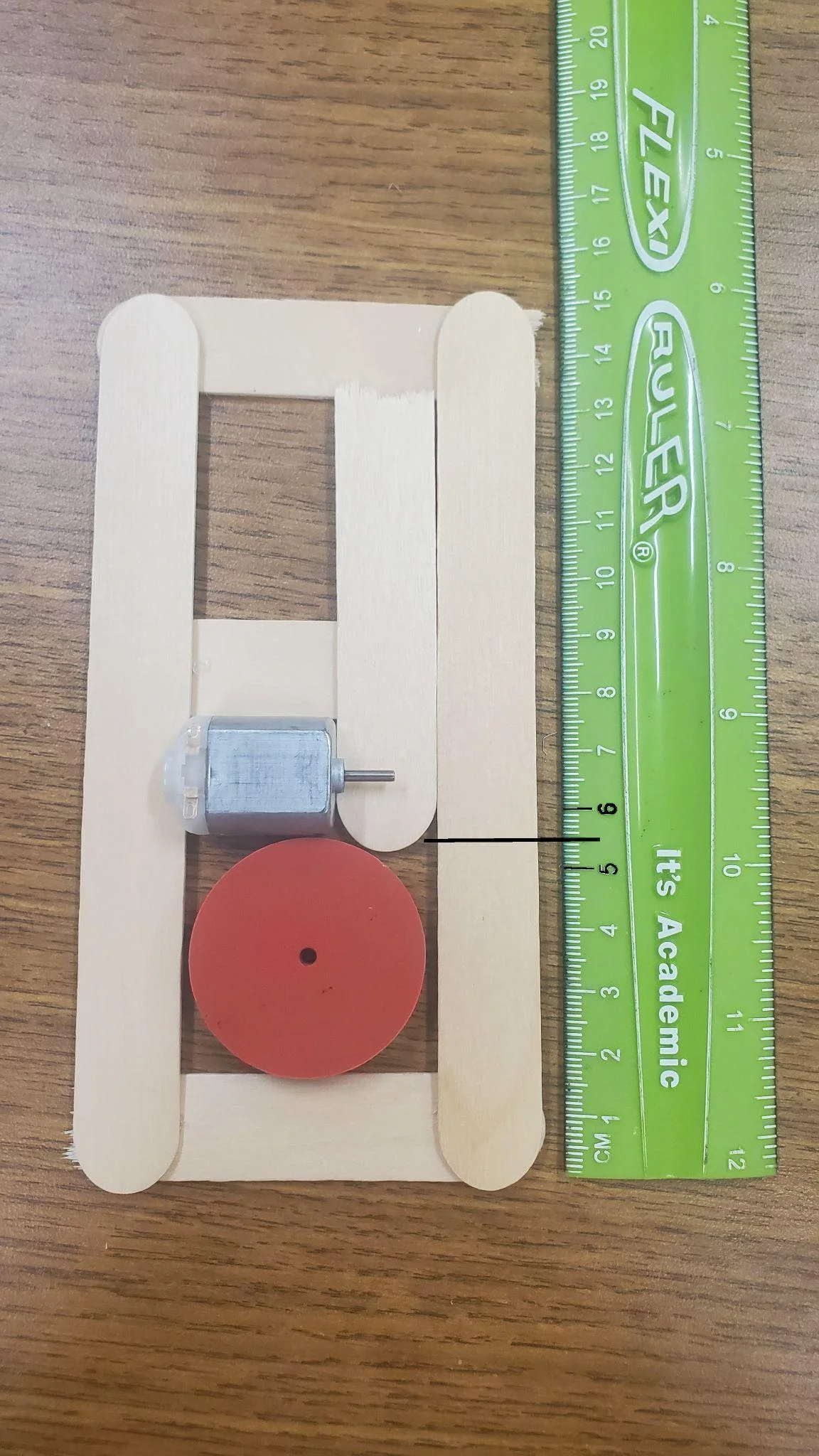
Flip the base of hot glued popsicle sticks over. Place the large 3d printed wheel down along with the dc motor similar to how it was in the last step. Hot glue the last half large popsicle stick down around 5 cm from the bottom of the structure. (it should be just above the 3d printed wheel and exactly on the dc motor).

Step 6 image 1
Step 6

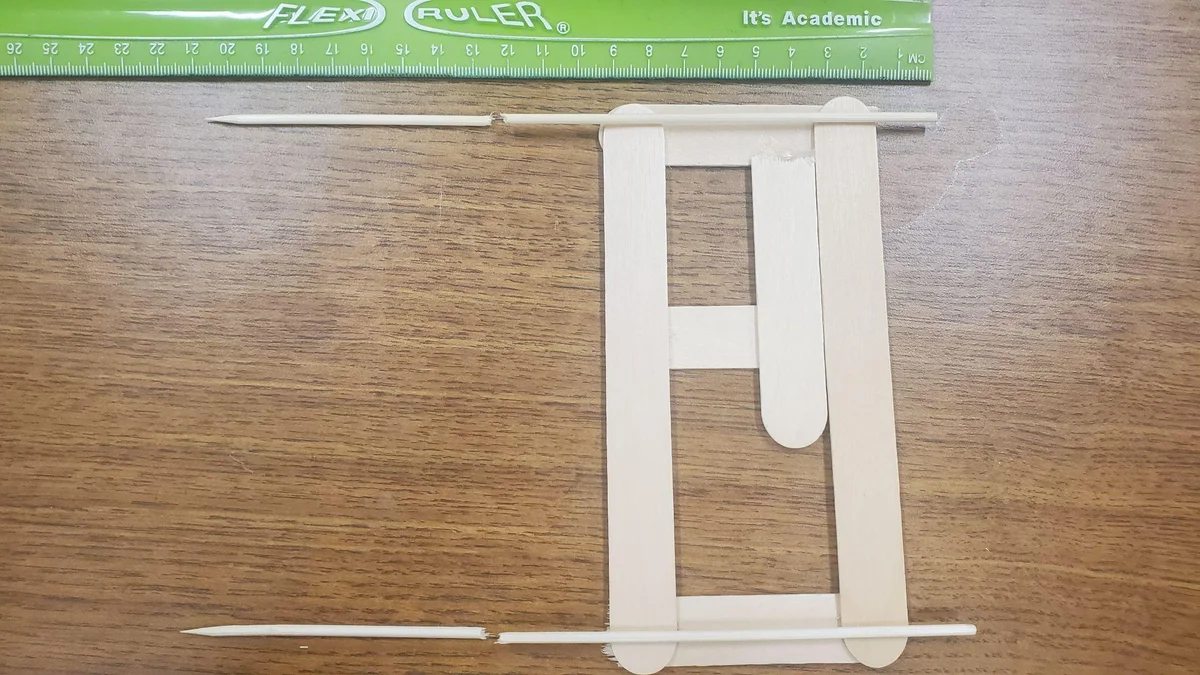
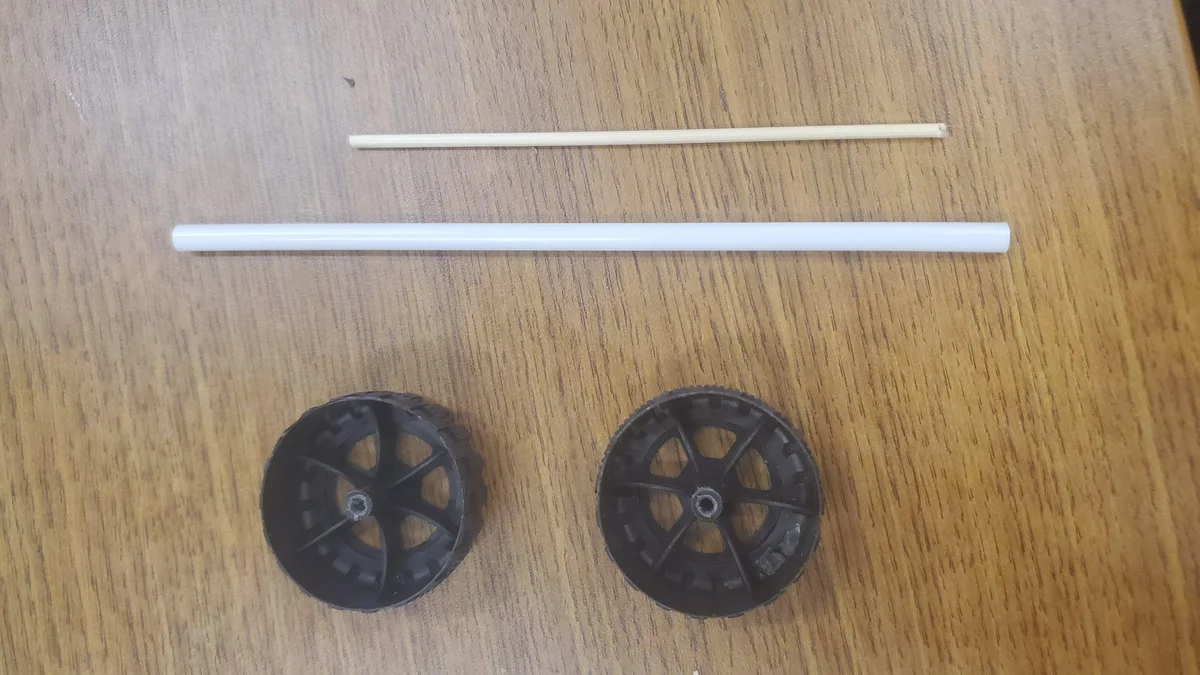
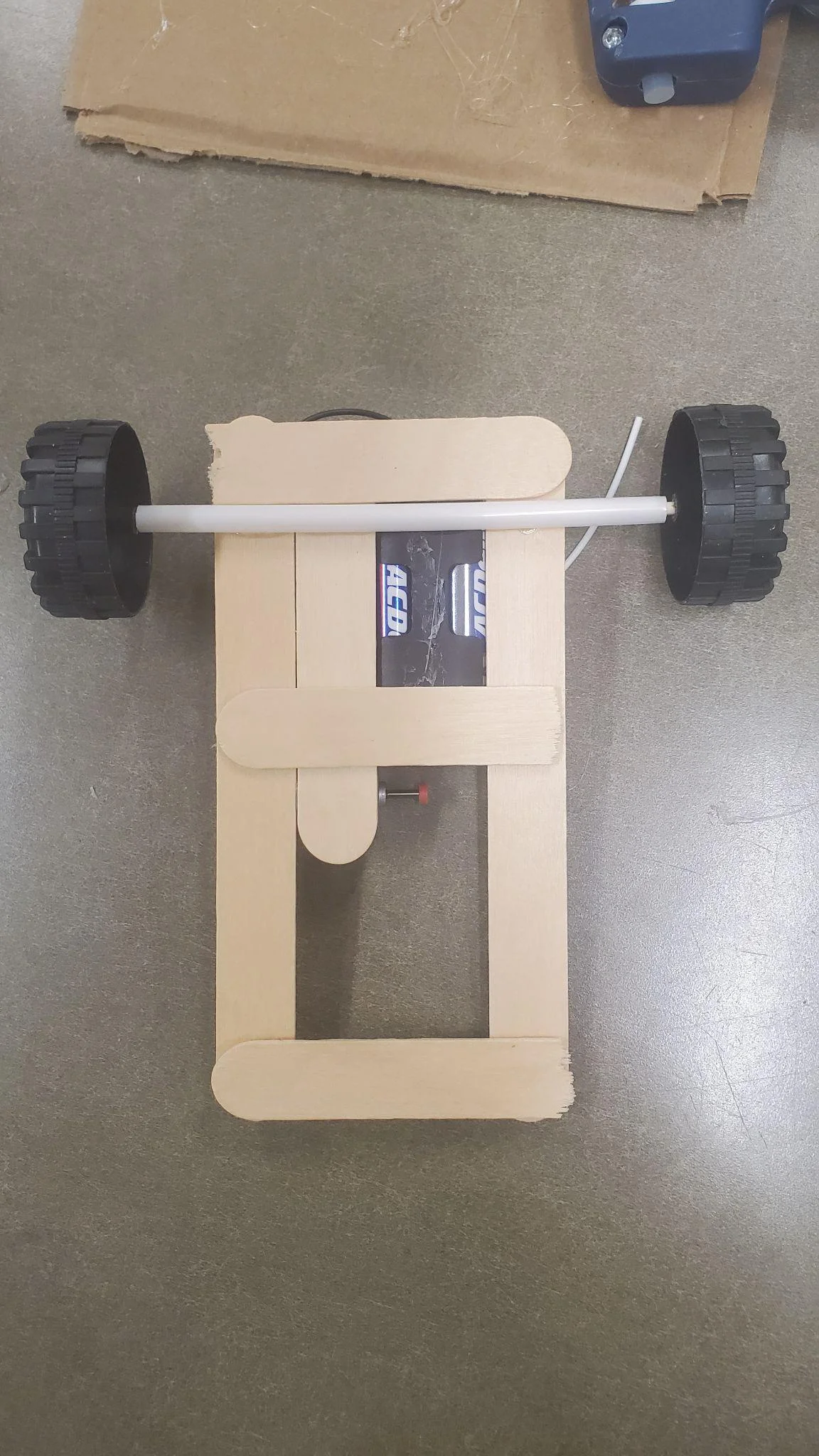
Cut/snap the thin skewers at around 12cm. If you wish for longer then that means the wheels will be “out” more. (do not cut shorter) DO NOT HOT GLUE THESE!

Step 7 image 1
Step 7

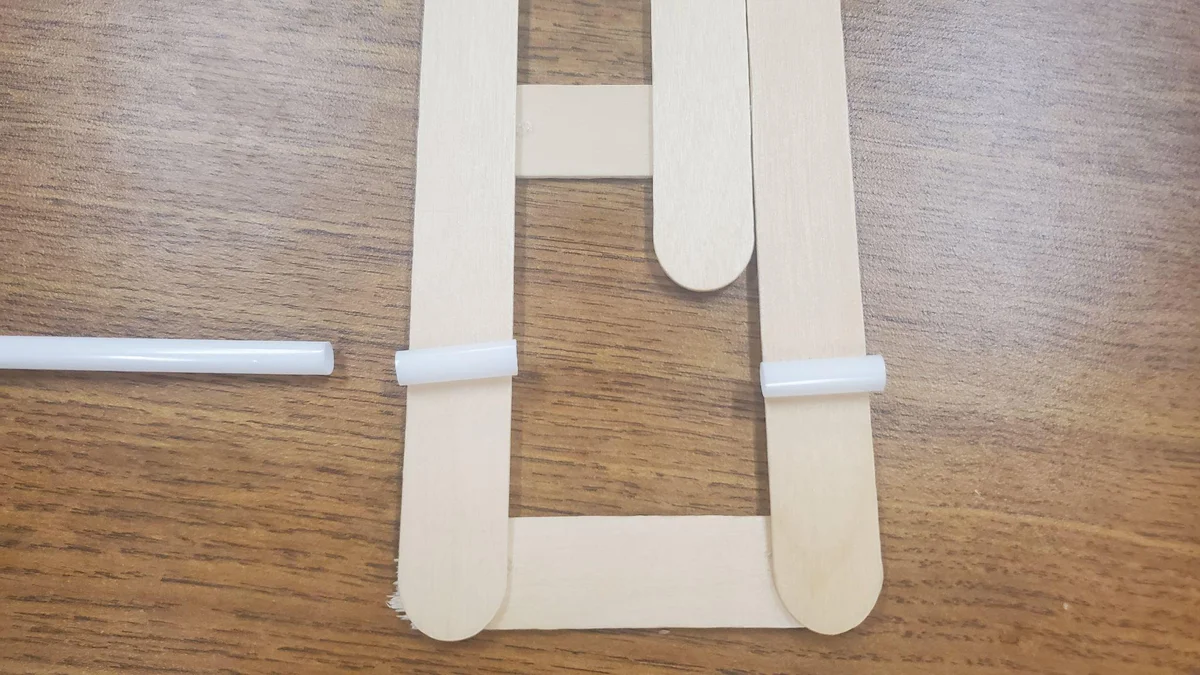
Cut the straw into 2 pieces each with the shorter length of the large popsicle stick. DO NOT HOT GLUE THESE YET!

Step 8 image 1
Step 8

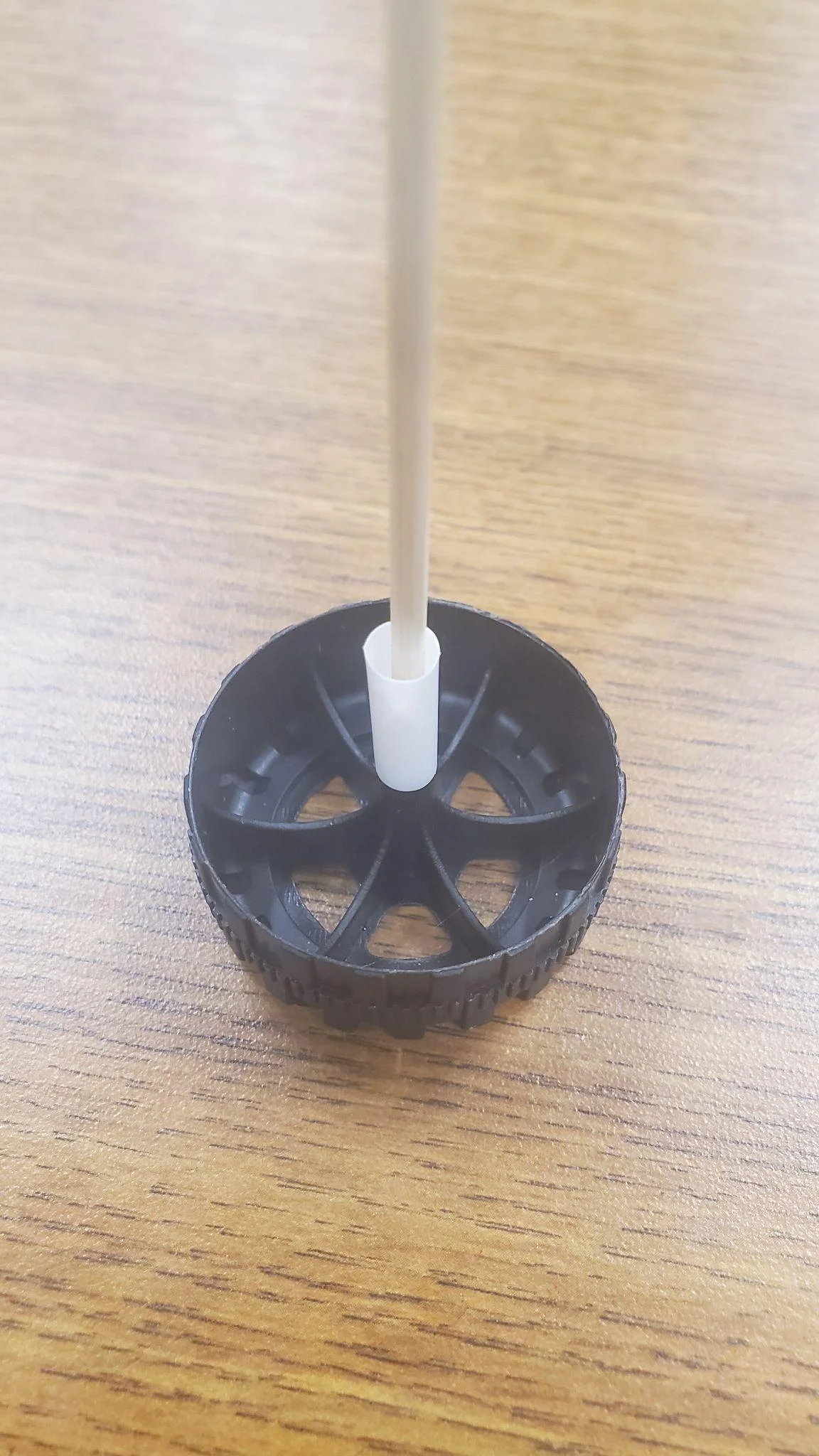
Take 2 wheels, 1 thin skewer and the rest of the straw.

Step 9 image 1
Step 9

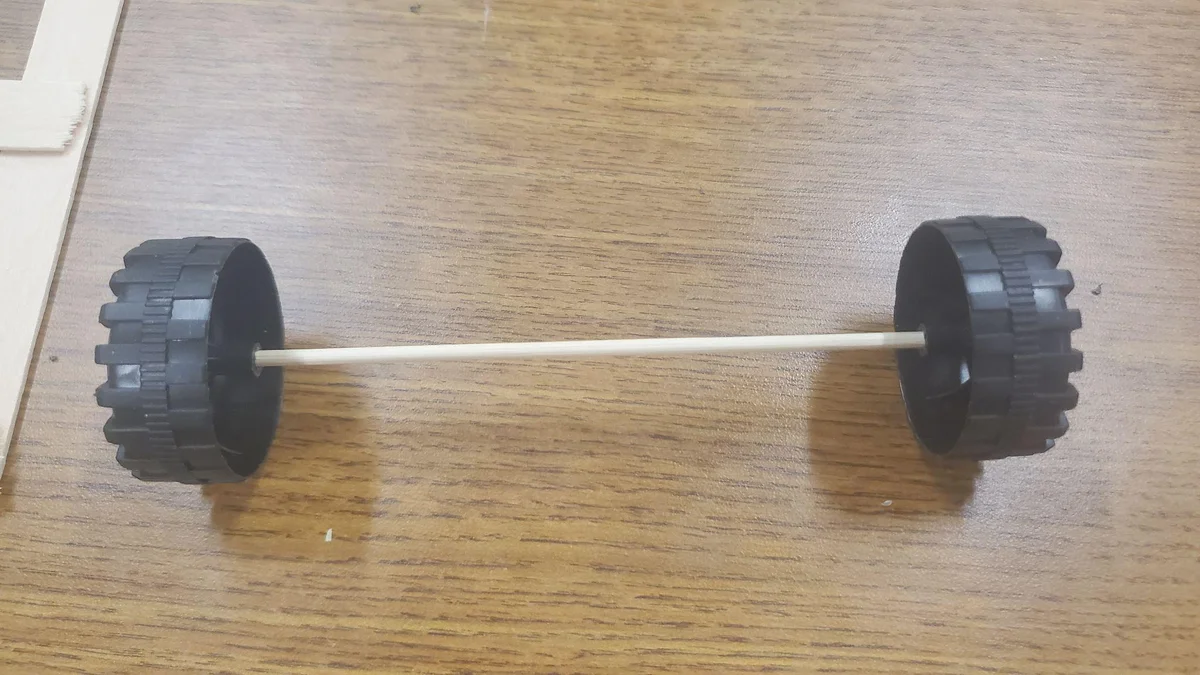
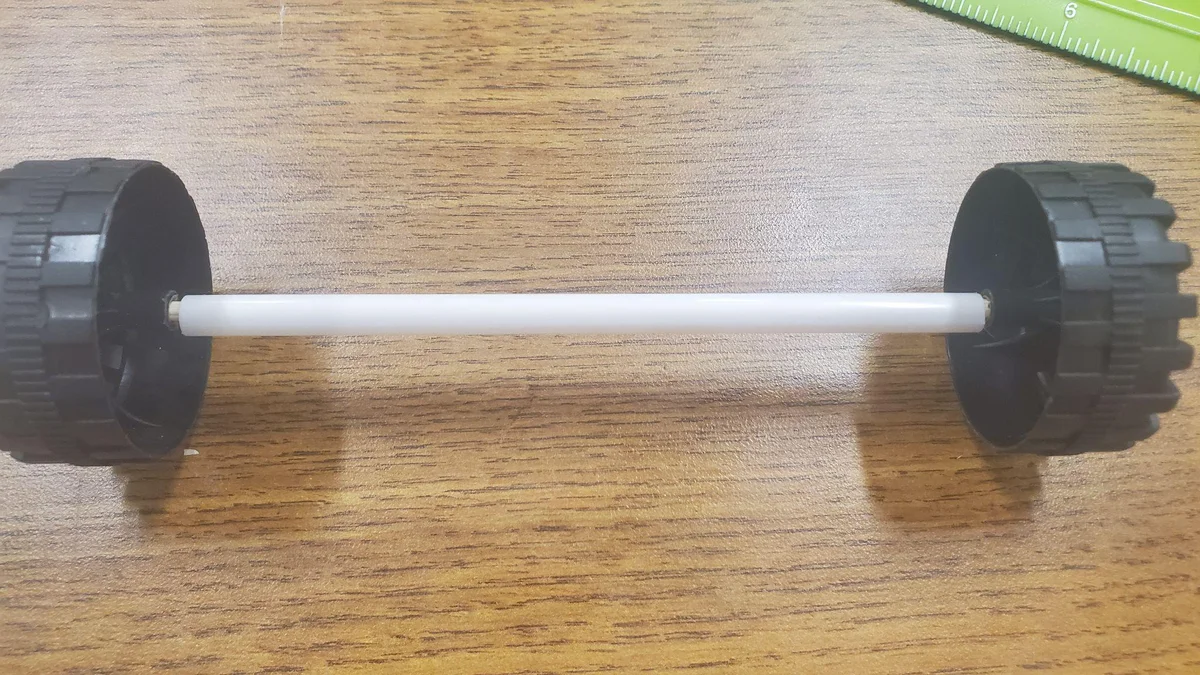
Attach the wheels to the skewer.

Step 10 image 1
Step 10

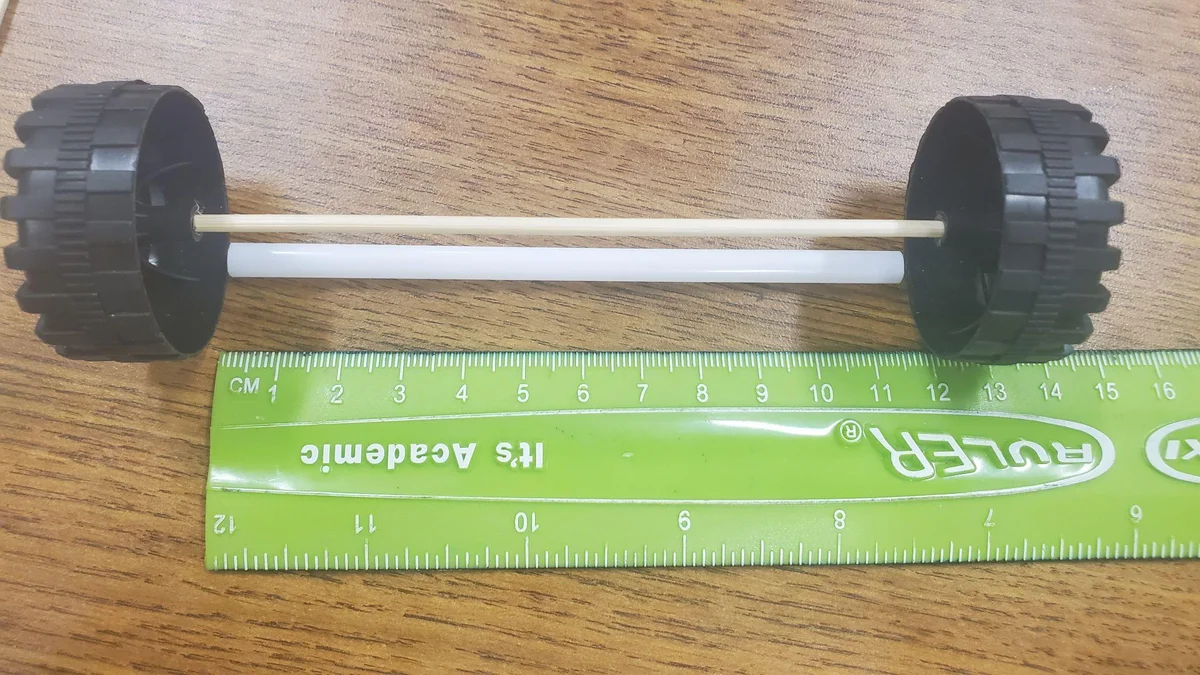
Measure and cut the straw to the length of the skewer with the wheels attacked. Around 11.5cm.

Step 11 image 1
Step 11

Cut a tiny bit more off so that it is not exactly the same length but half a cm or so shorter.

Step 12 image 1
Step 12

Take one of the wheels off and slide the straw on then reattach the wheel. If you notice that the straw is still touching the wheels on both sides then cut it a little bit shorter. it should be close but should have enough space on either side to not touch any wheel.

Step 13 image 1
Step 13

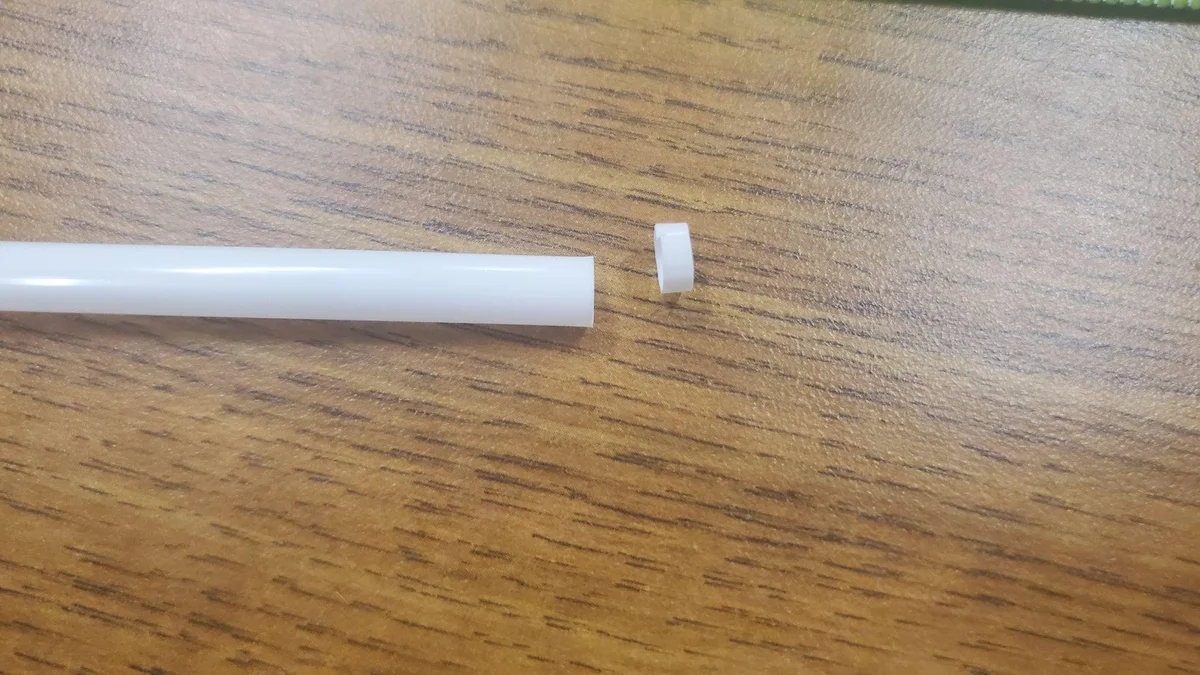
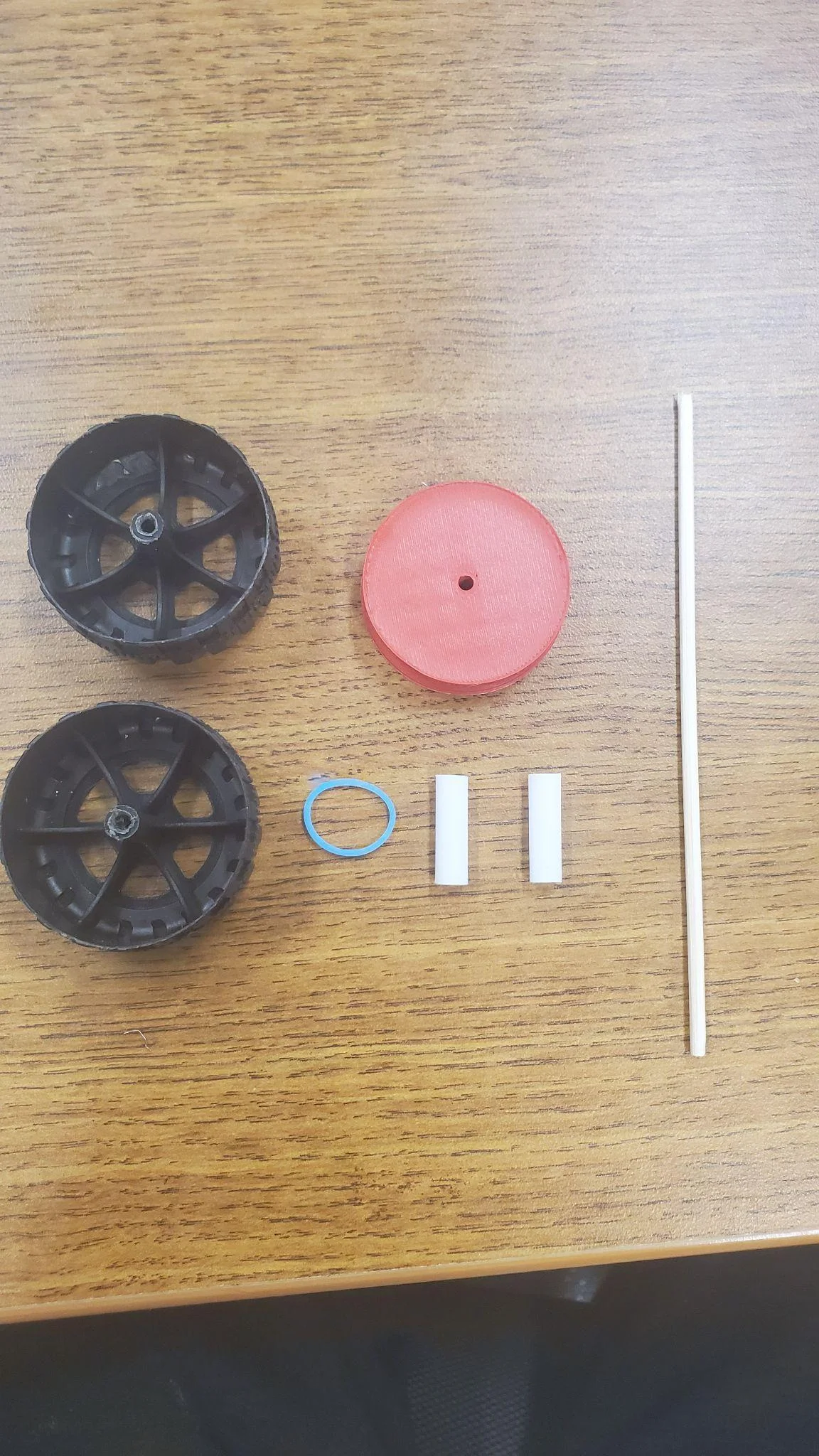
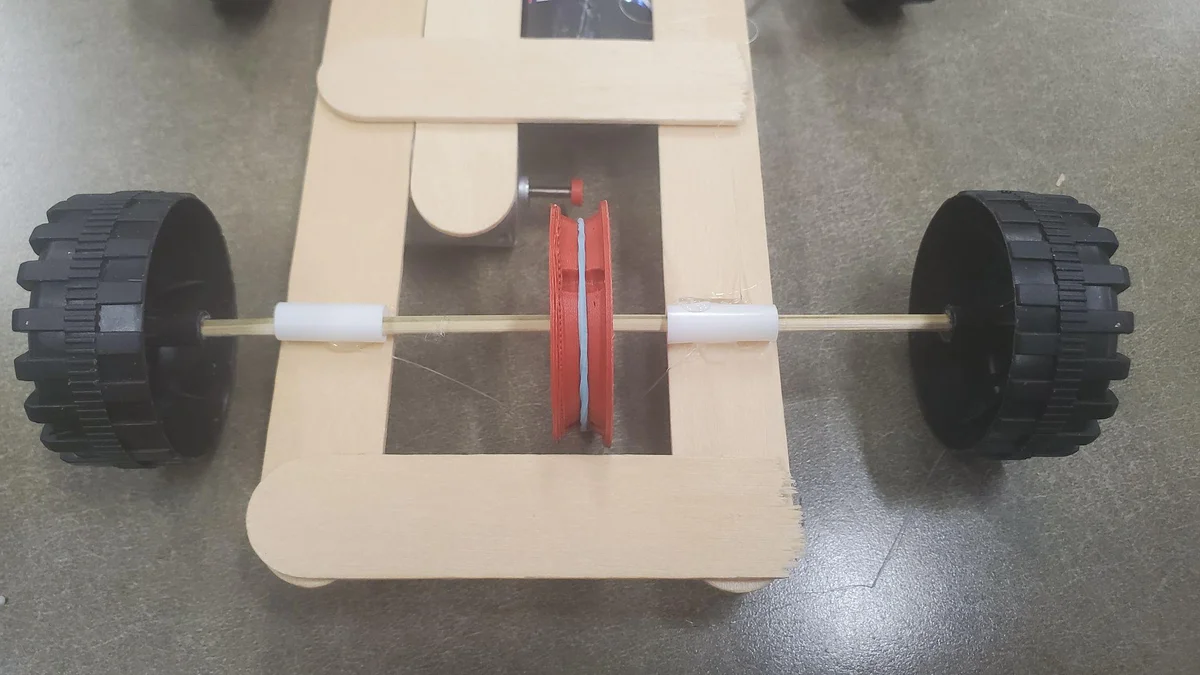
Now for the front wheel assembly Take the 3d printed wheel, the remaining two wheels, the small cut pieces of straw, the remaining thin skewer and an elastic.

Step 14 image 1
Step 14

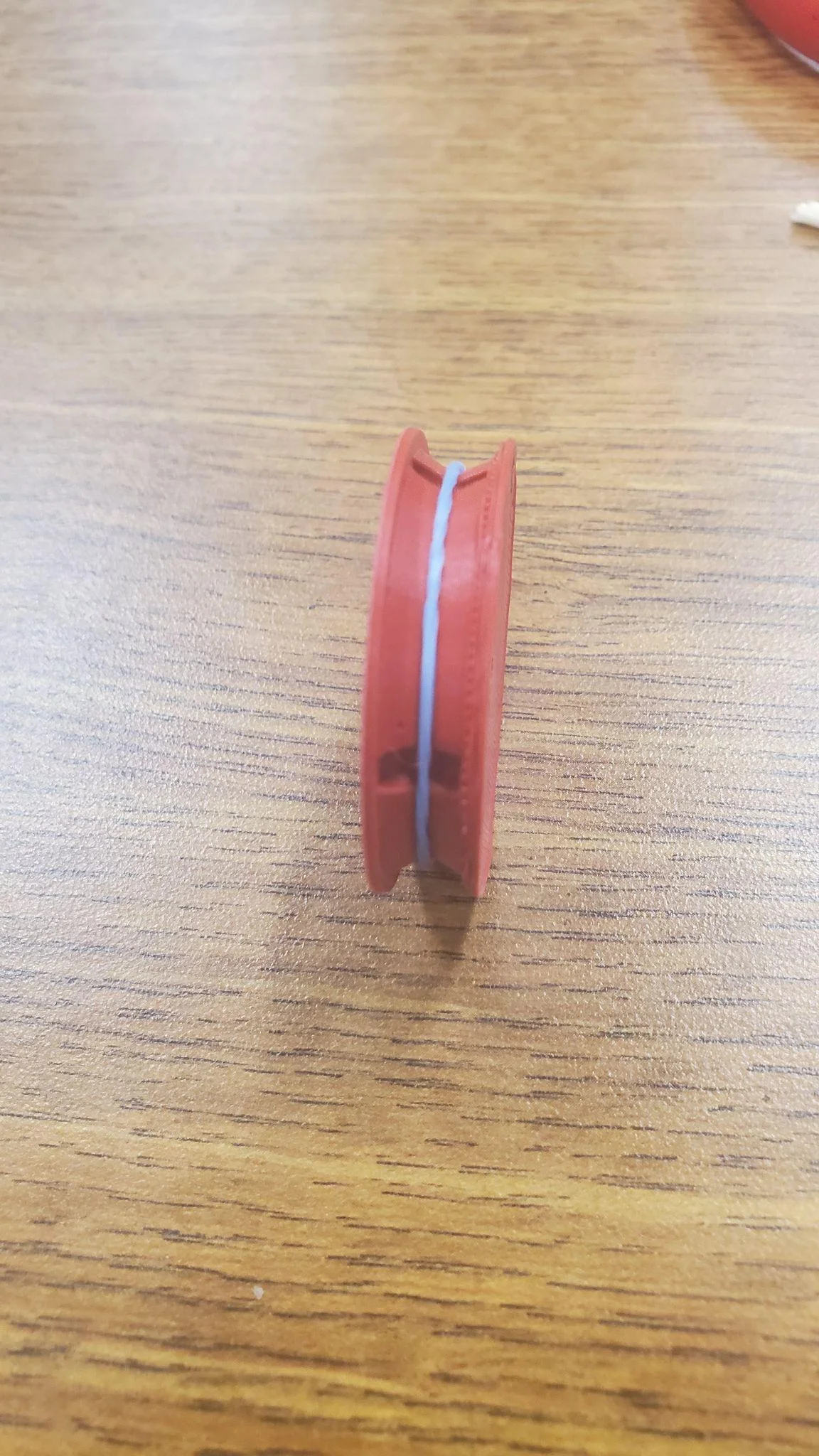
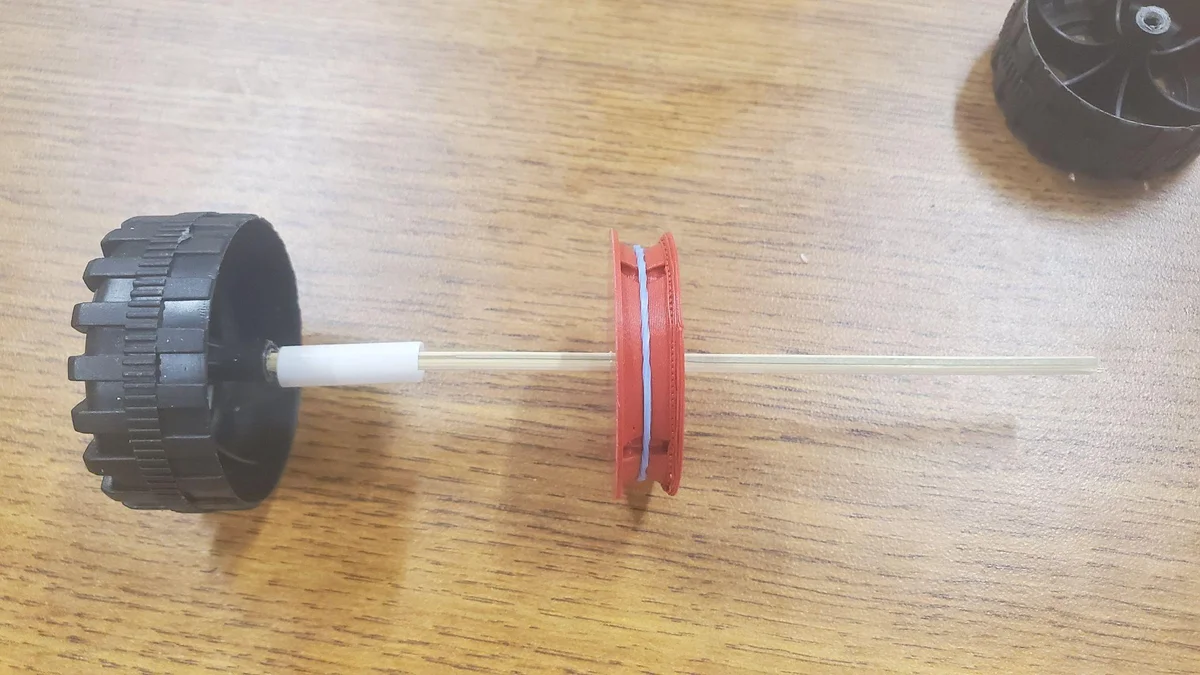
Attach the elastic to the 3d printed wheel.

Step 15 image 1
Step 15

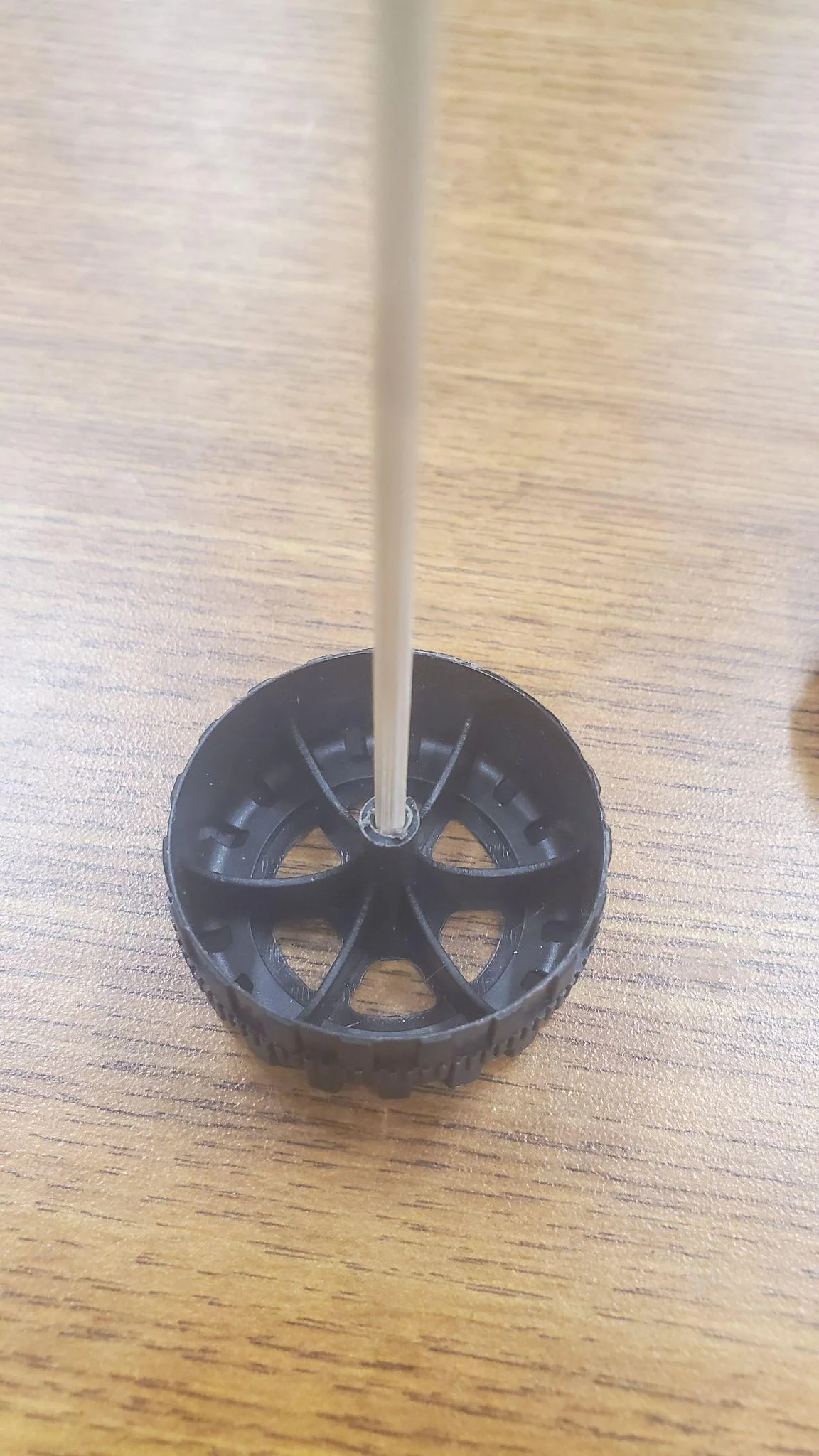
Attach the skewer to one of the wheels.

Step 16 image 1
Step 16

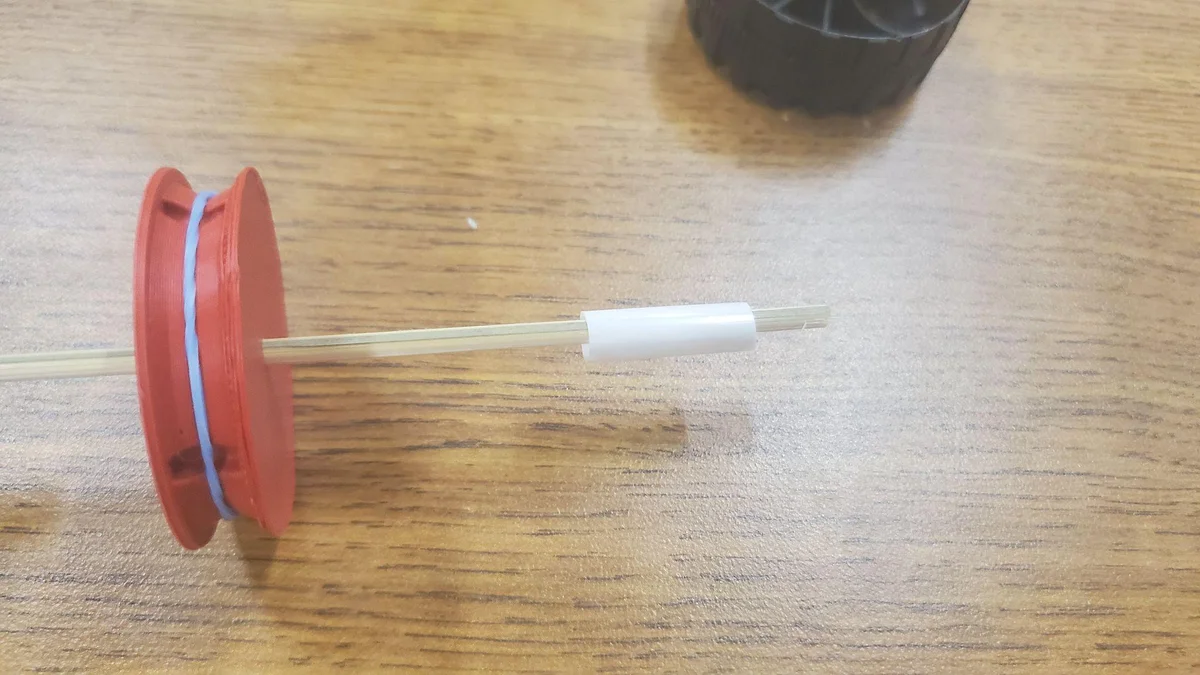
Slide one of the straw pieces on it. It should be loose and can move around.

Step 17 image 1
Step 17

Slide the 3d printed wheel on.

Step 18 image 1
Step 18

Slide the last straw piece and then attach the last wheel.

Step 19 image 1
Step 19

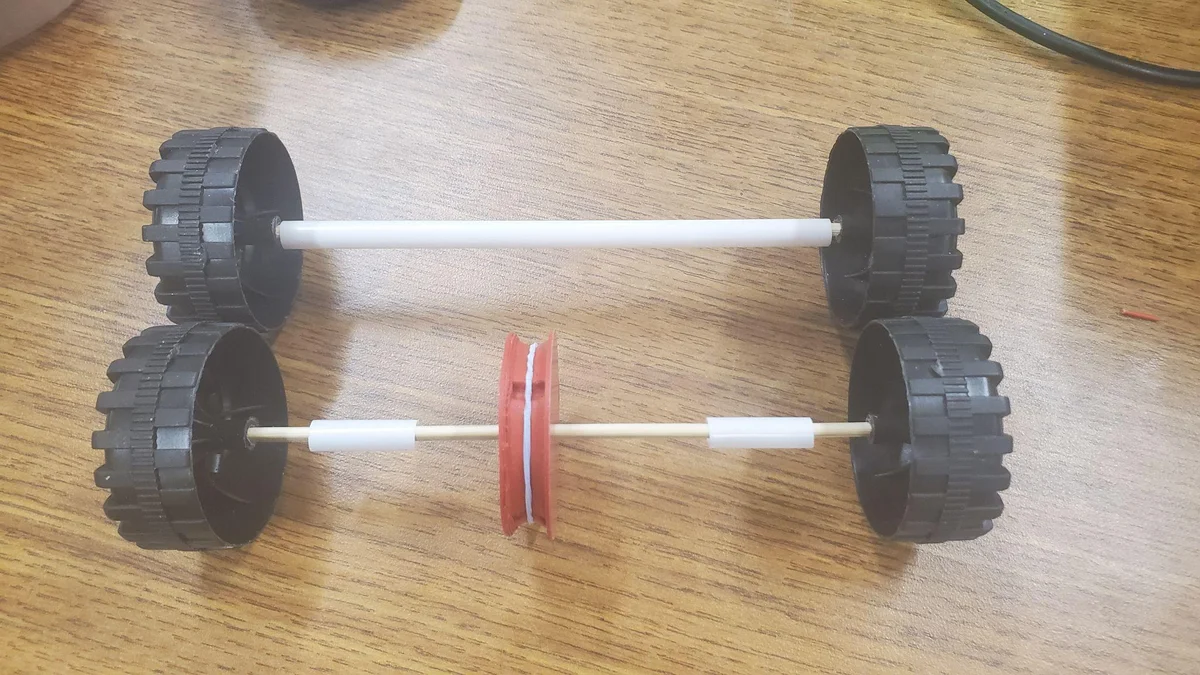
Now you should have 2 sets of wheels ready for assembly.

Step 20 image 1
Step 20

Hot glue the dc motor across the popsicle sticks leaving the spinning shaft out in the open air. MAKE SURE the copper connections are facing up!

Step 21 image 1
Step 21

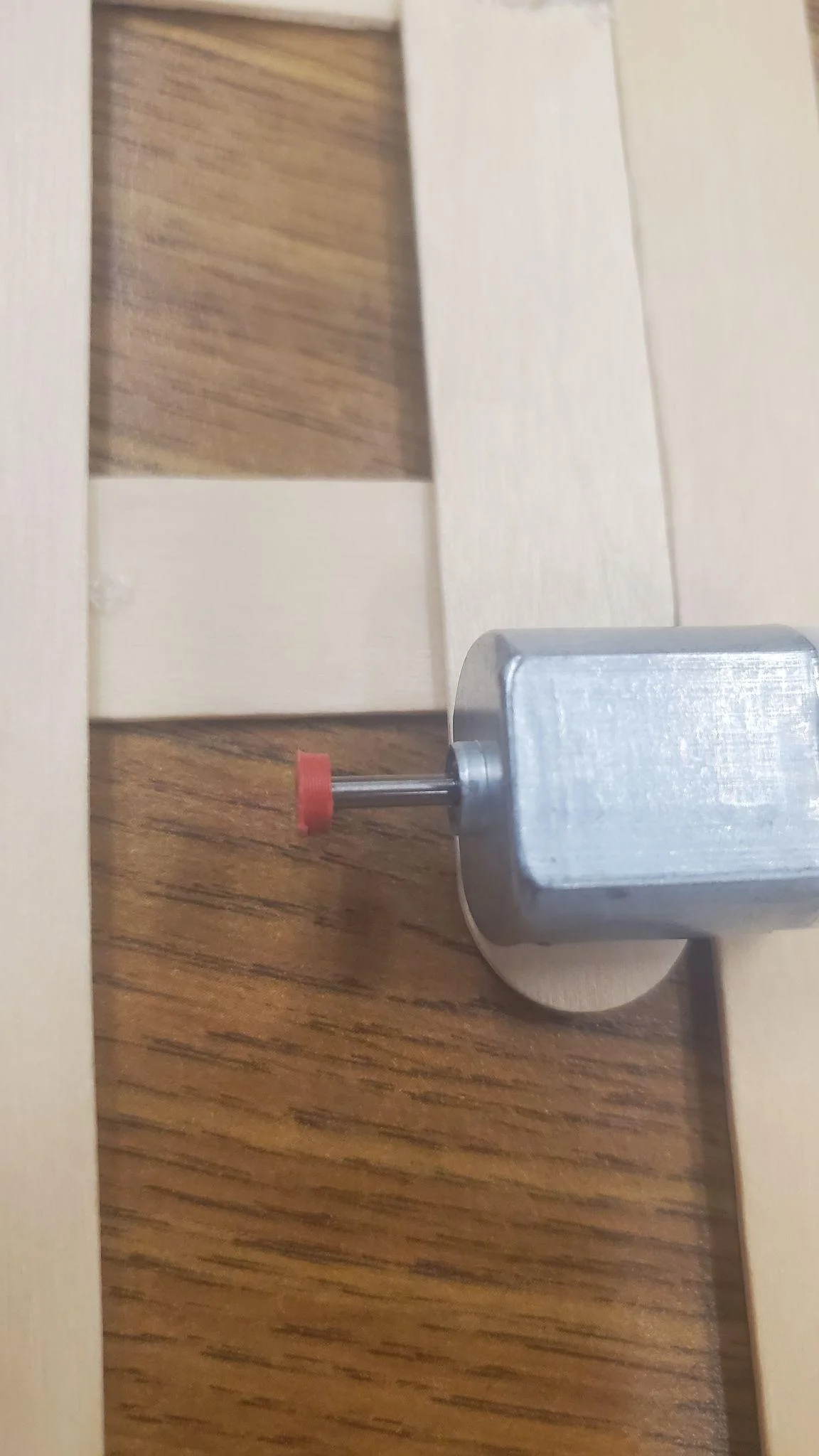
Place the small 3d printed wheel on the end of the shaft of the dc motor. Hot glue the end if it seems like it keeps falling off.

Step 22 image 1
Step 22

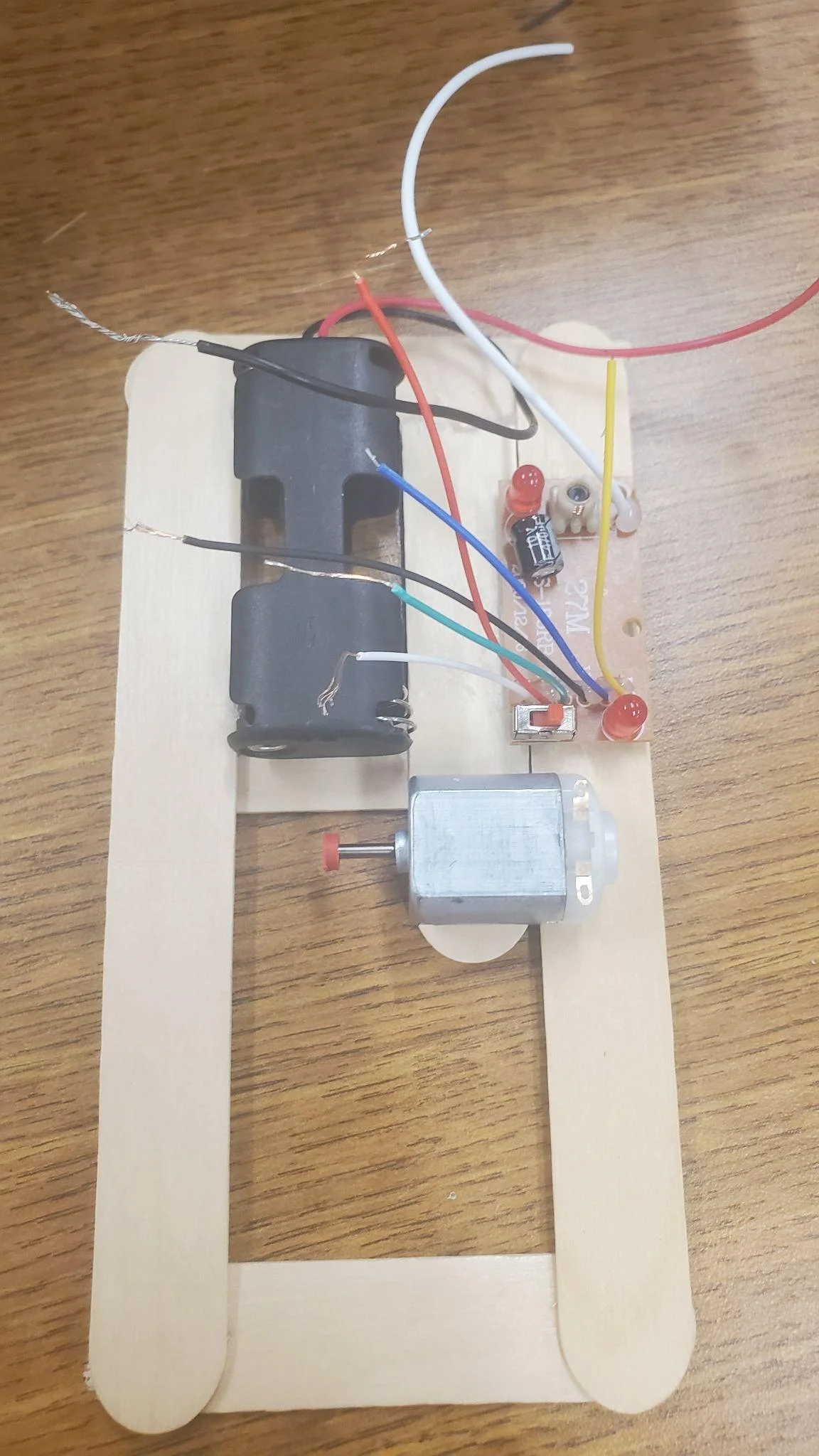
Hot glue the battery holder to the car structure filling the gap on the left. Make sure the wires facing out from the car and do not interfere with the motor.

Step 23 image 1
Step 23

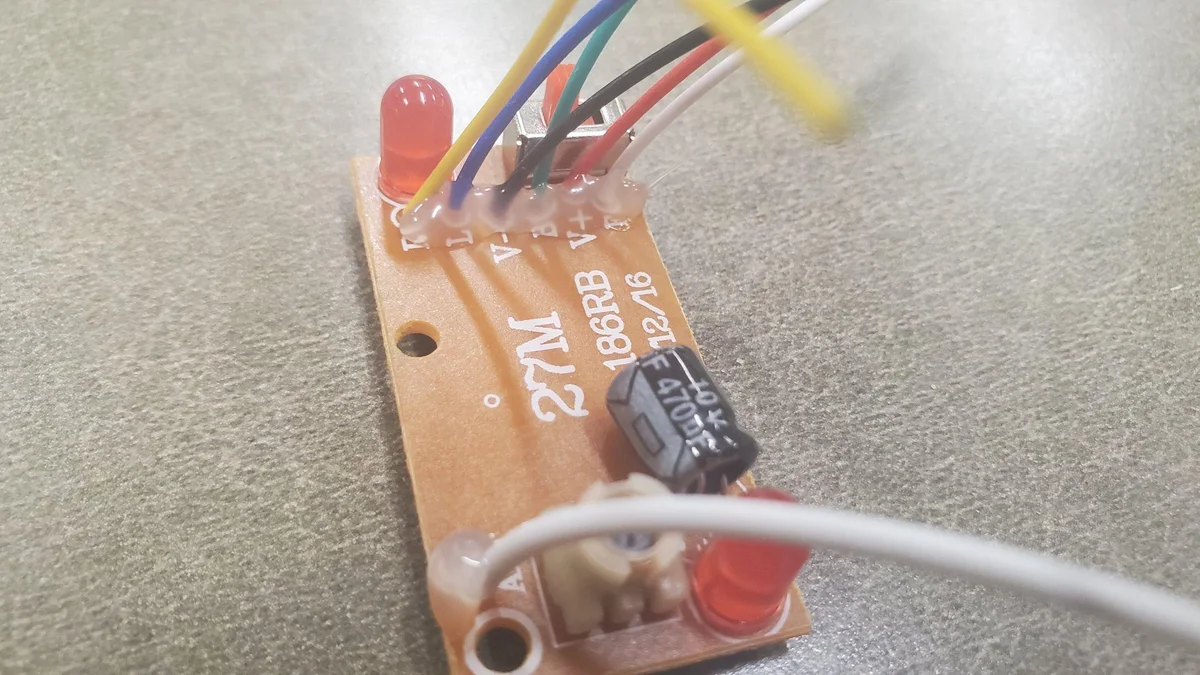
Take the RF receiver board and hot glue the base of the wires to make them more secure. These wires are flimsy and tend to break so hot gluing them will help keep them in place better.

Step 24 image 1
Step 24

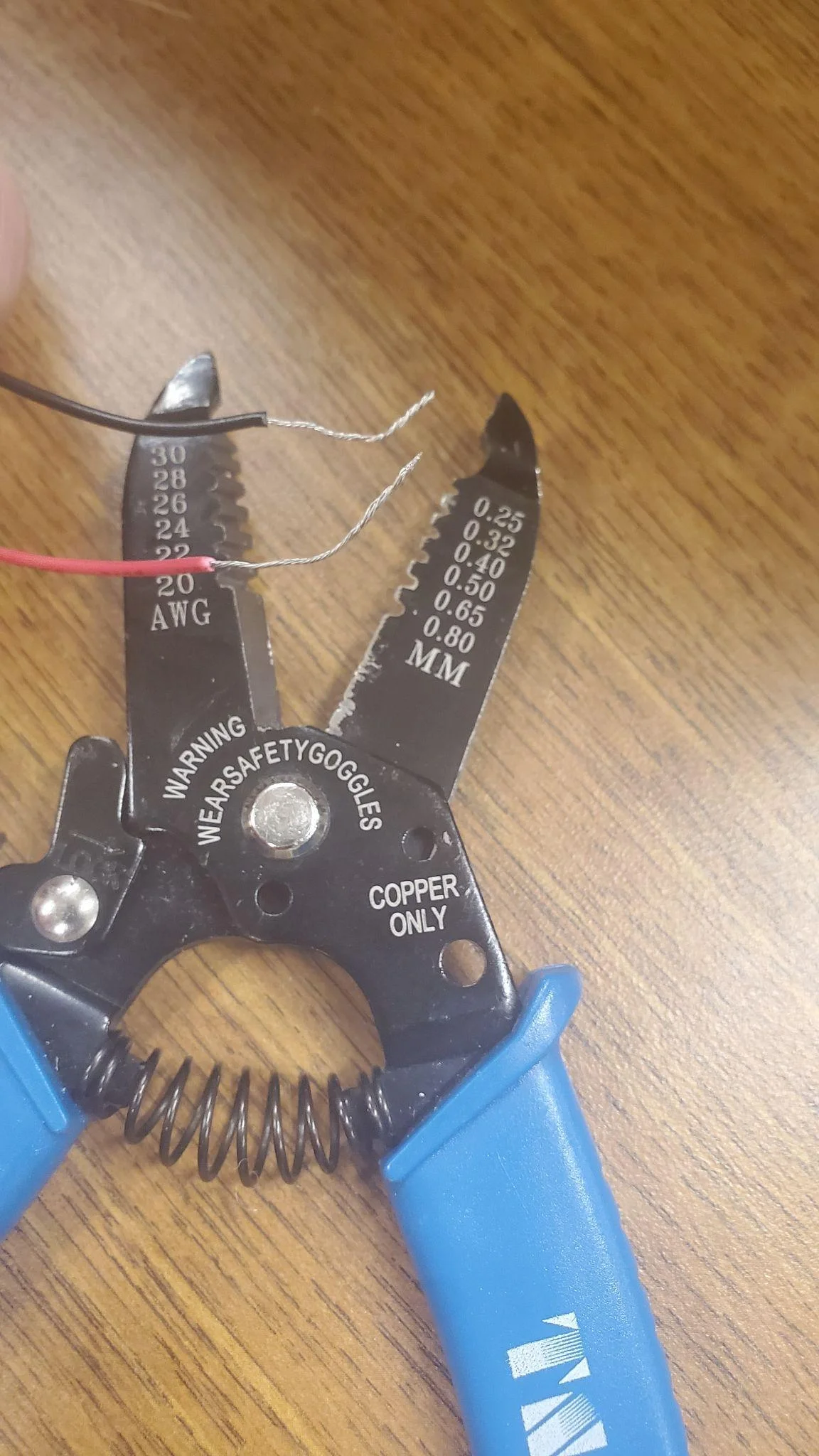
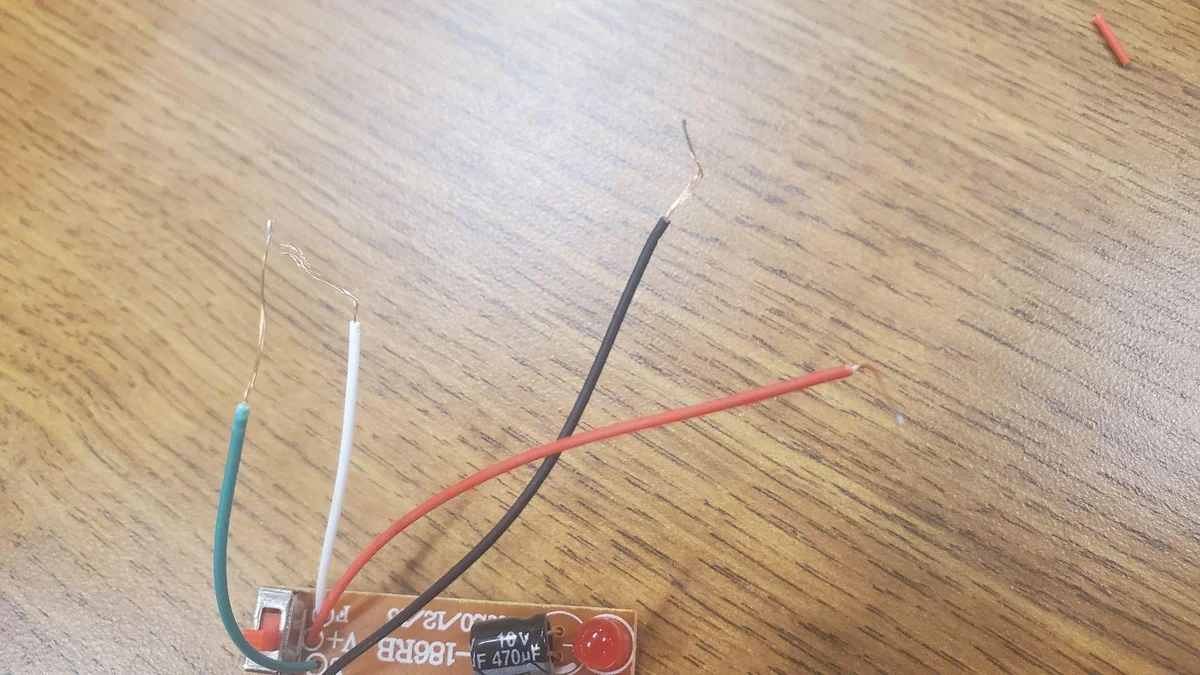
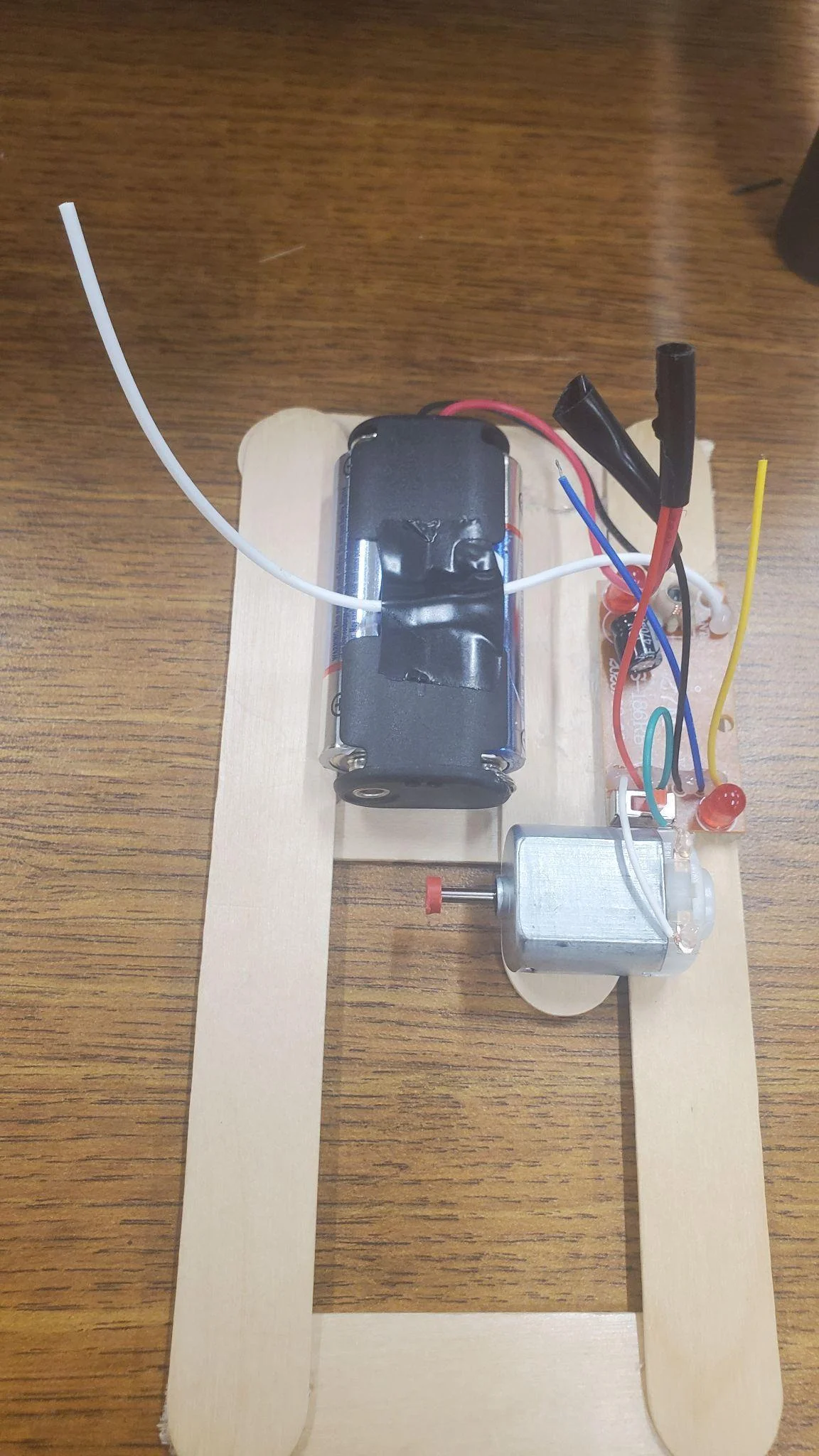
Wire strip the red, black, SHORT white and green wires of the RF receiver circuit board DO NOT TOUCH THE LONG WHITE CORD YET These wires are labelled: V+ red V- black B green F white on the circuit board BE VERY CAREFUL to NOT accidentally cut the wires when doing this. They are short and will make it harder to connect them later. If they are cut too short then solder or attach a longer wire onto it as replacement.

Step 25 image 1
Step 25

Hot glue the board to the car structure. Make it so that the SHORT White and Green wires are closer to the dc motor. This will make it easier to connect them to it later.

Step 26 image 1
Step 26

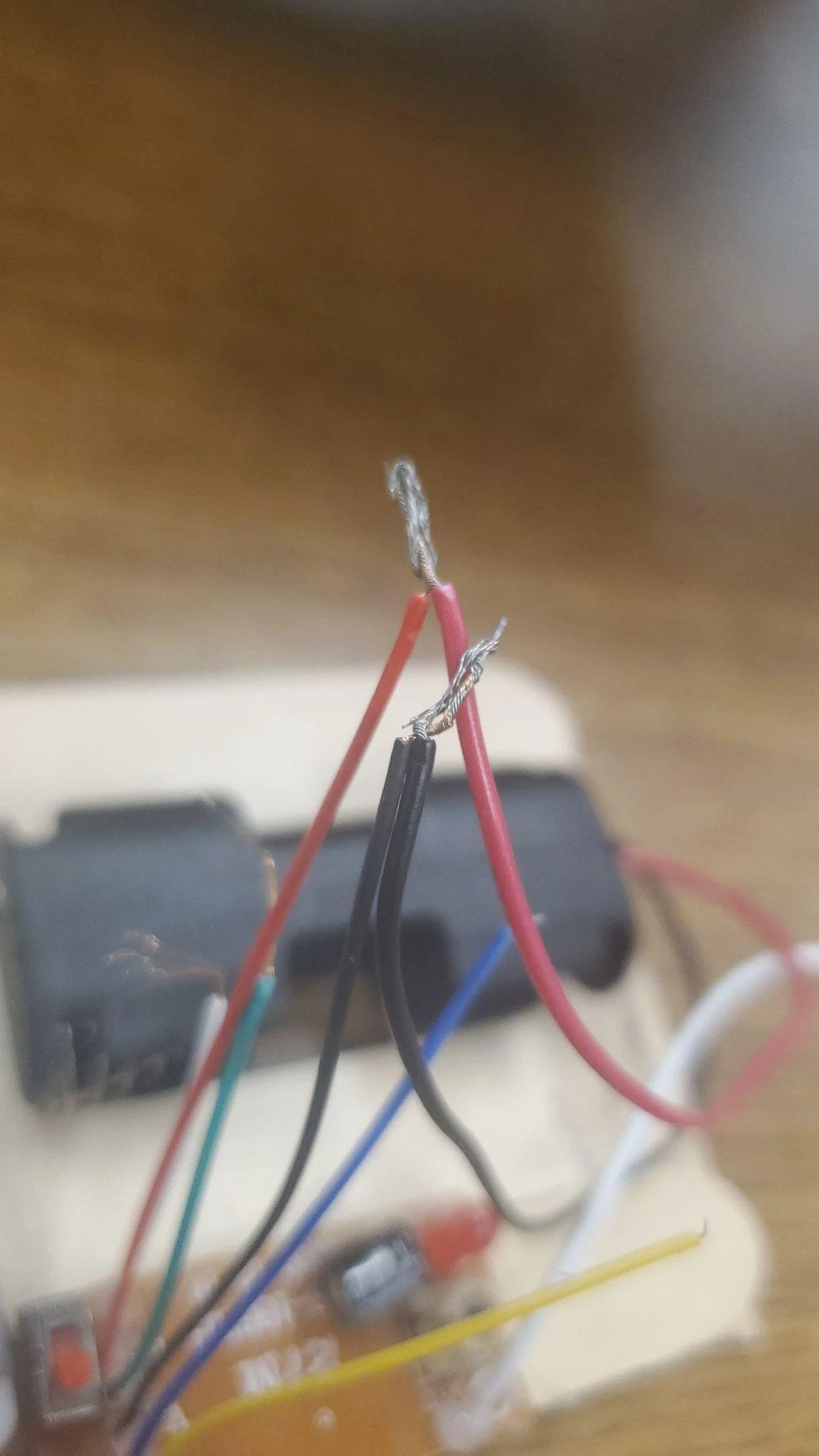
Twist the red and black wires together from the battery hub and the RF receiver circuit.

Step 27 image 1
Step 27

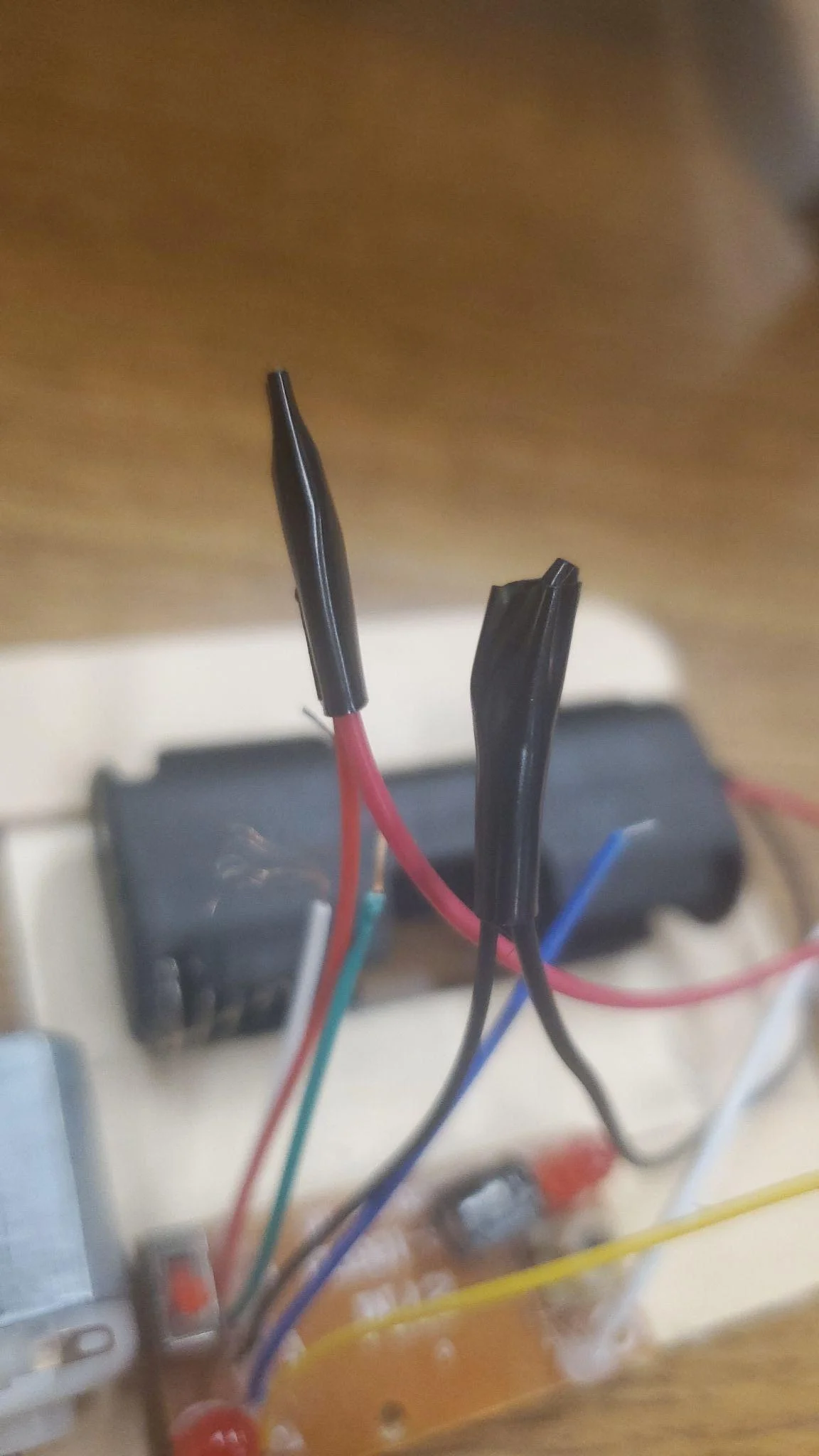
Add electrical tape to the ends so they cannot touch and short circuit.

Step 28 image 1
Step 28

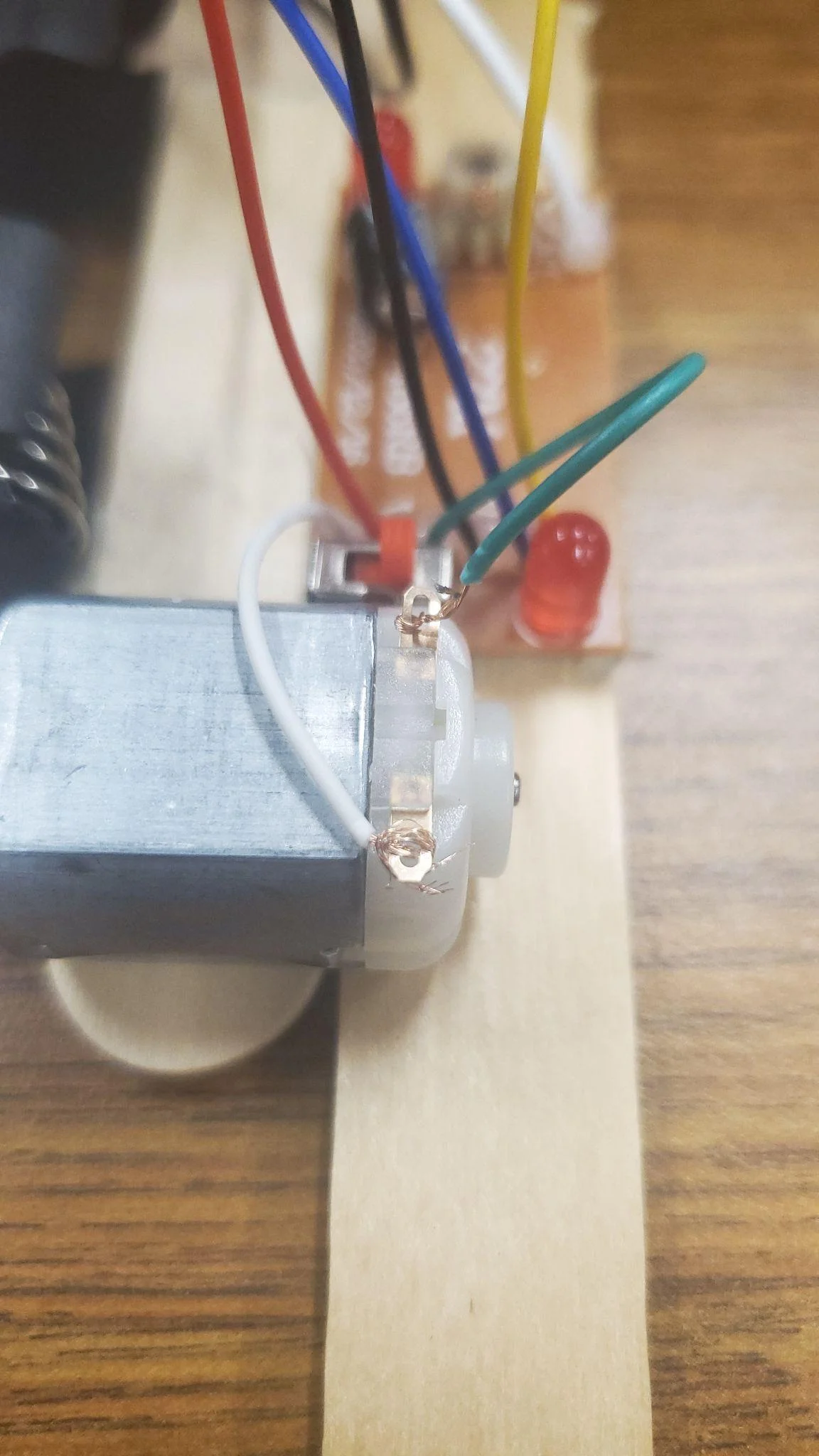
Thread the wires through the holes of the motor and twist them so they stay as best as they can. MAKE SURE YOU PUT THE WIRES IN THIS ORDER. If you don’t then the controls will be inverted (forward is backward and backward is forward) which is not a huge problem but if it can be avoided then great.

Step 29 image 1
Step 29

Carefully hot glue them so they stay attached better. If this is not done right then this can be a failure point of the project. As a last resort just solder them.

Step 30 image 1
Step 30

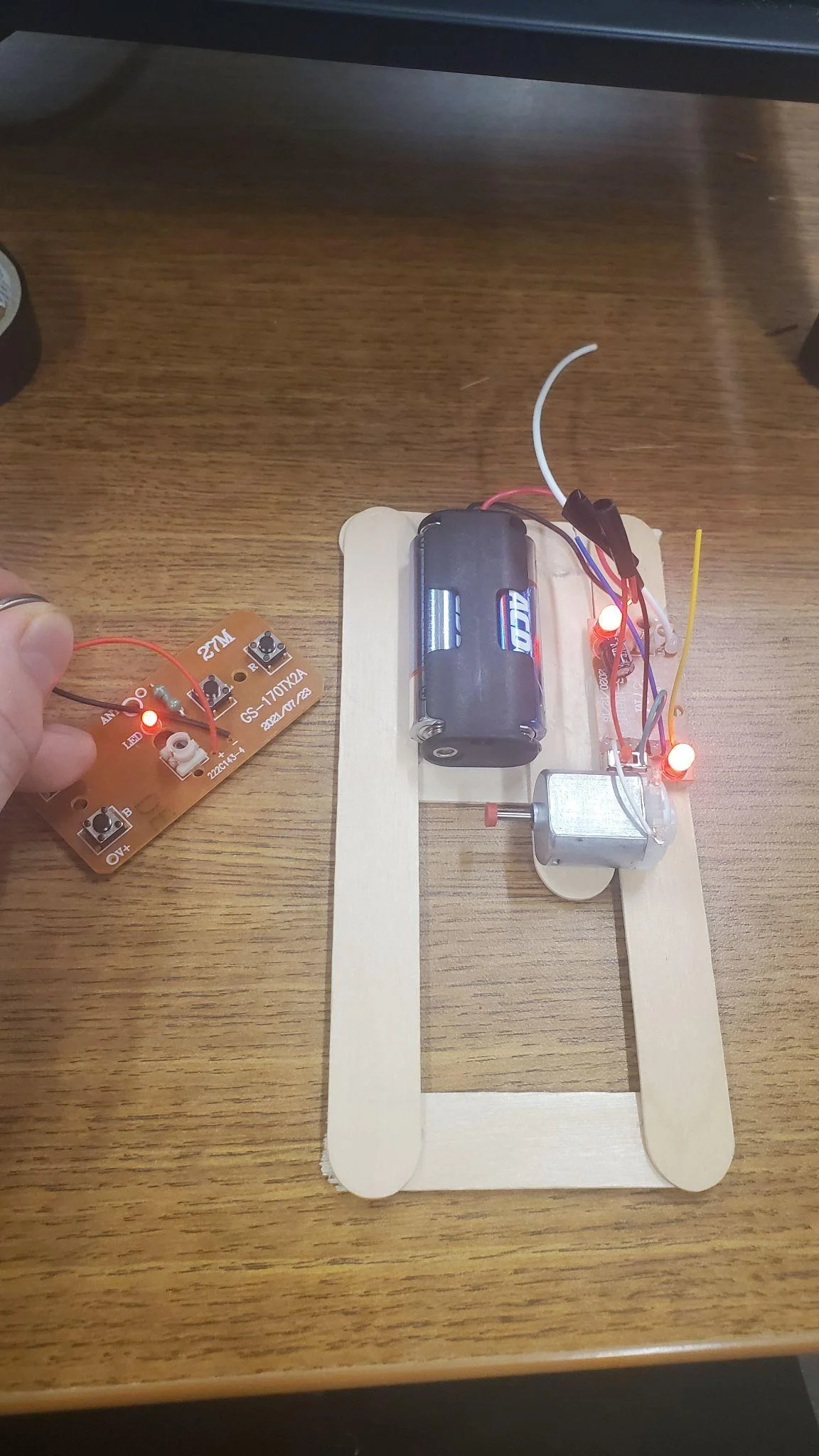
Now we are going to check that everything was connected properly before continuing with the rest of the car. Put in the batteries and flip the red switch on the circuit board. The red leds should light up meaning it has power.

Step 31 image 1
Step 31

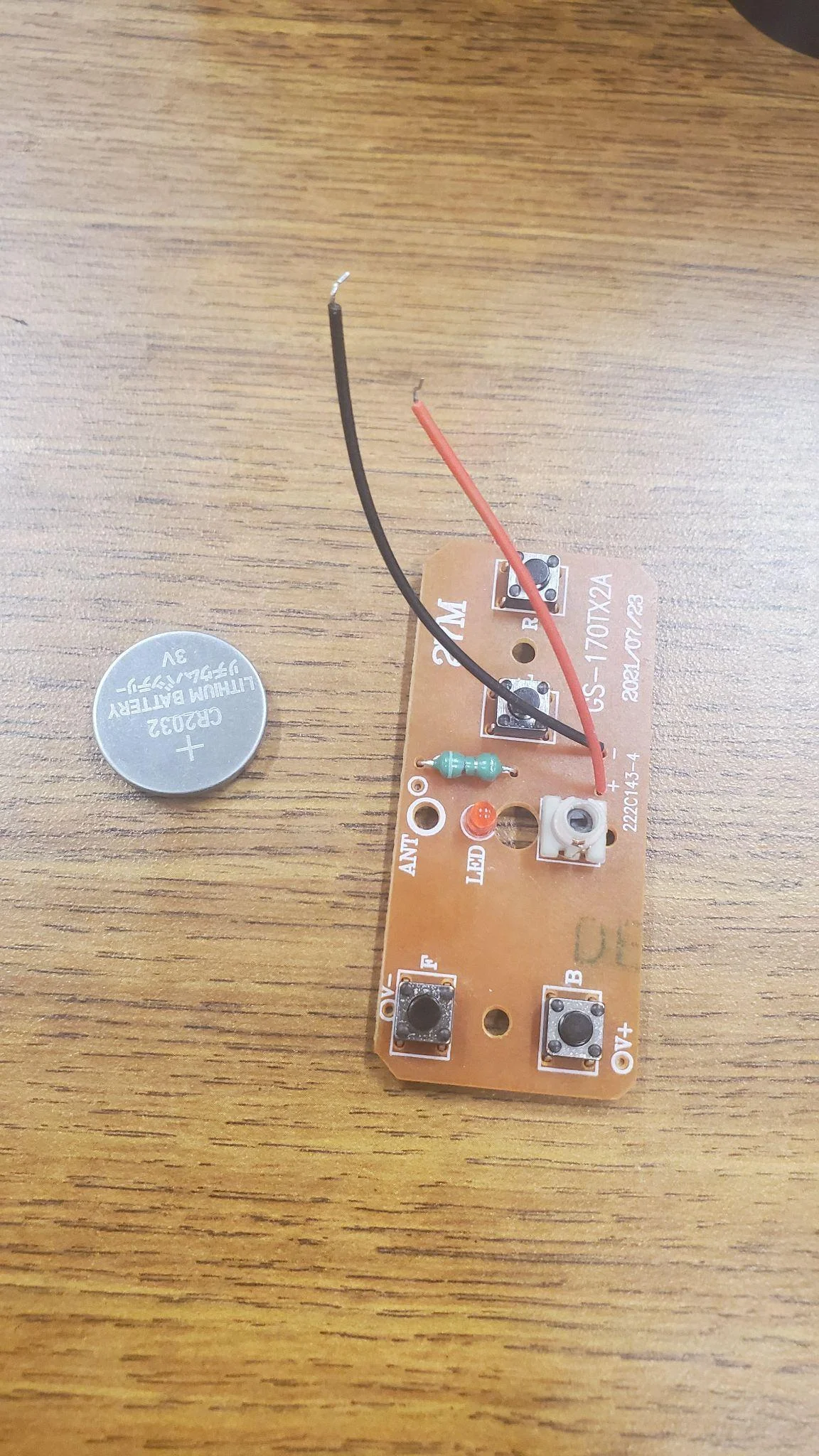
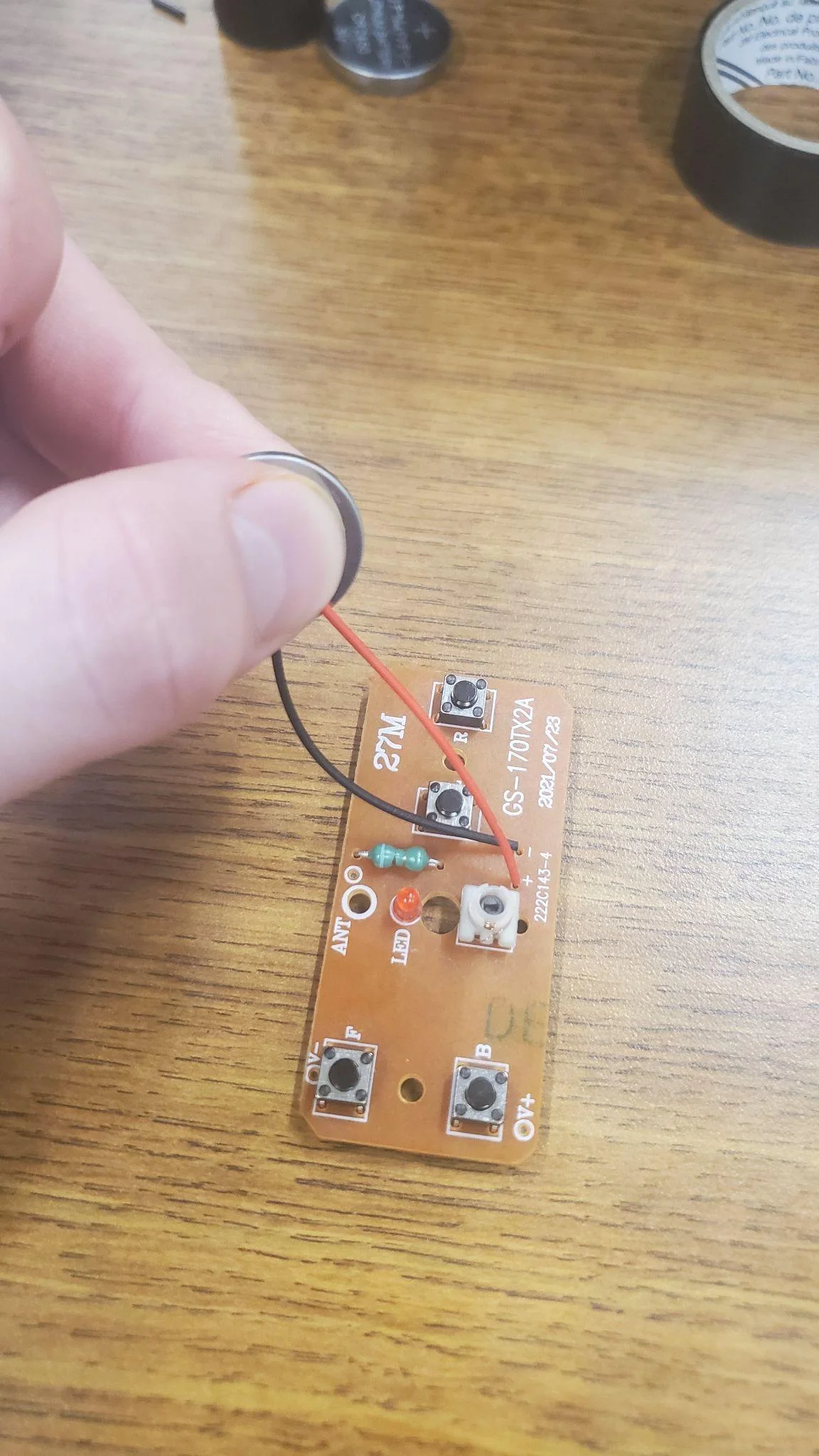
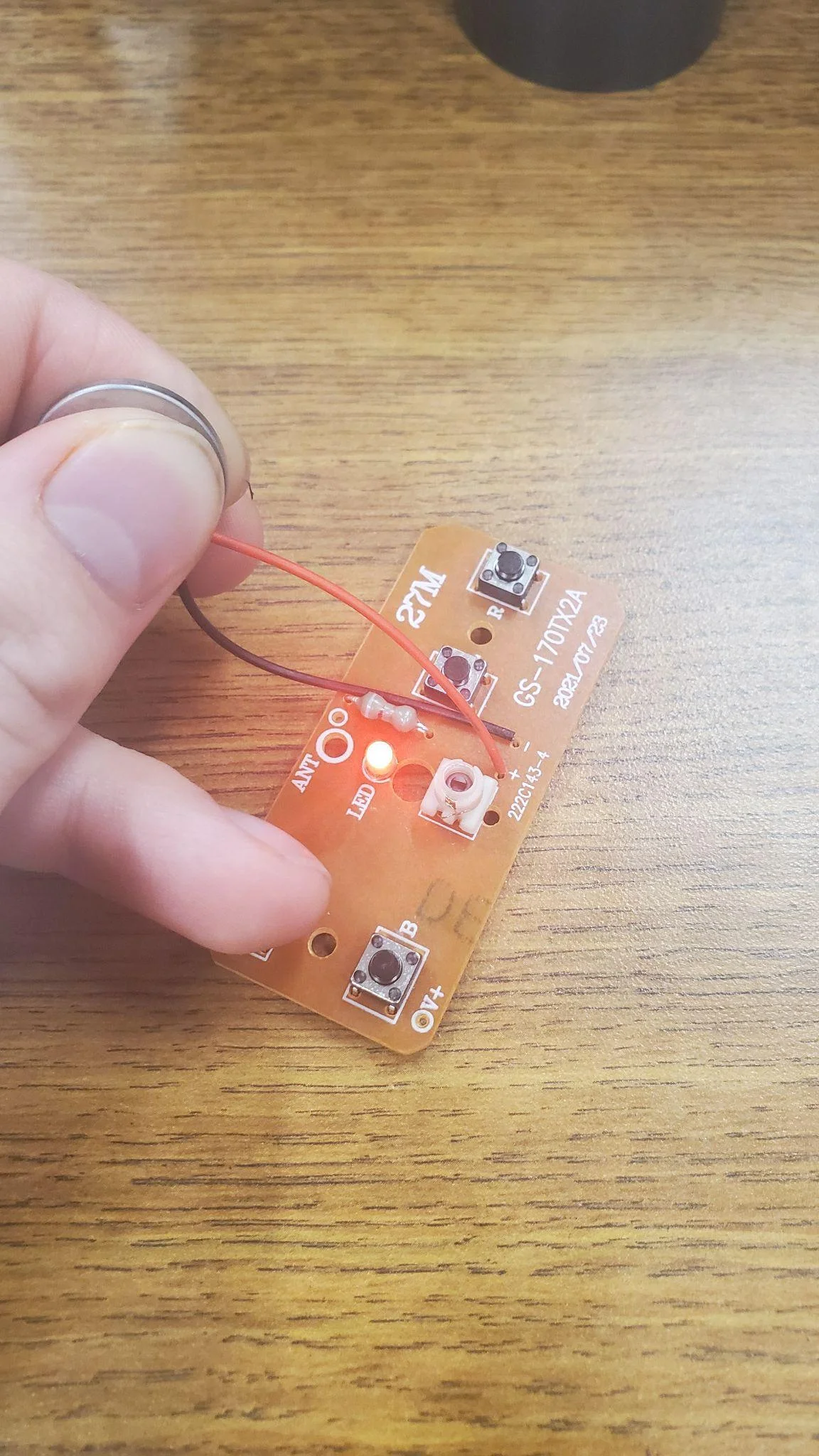
Next take the 3v coin battery and the RF Transmitter circuit board and hold the negative and positive wires to the battery Red wire goes to the side of the battery with the “+” sign and Black wire goes to the other side of the battery. When pressing the button labelled F or B you should see the red light up on the Transmitter circuit board.

Step 32 image 1
Step 32

Hold each part close together and you should see the motor spin when pressing F or B. IF IT DOESN’T WORK: - Try pressing it a few times and move the transmitter board around, there may be something blocking the wireless connection or there may be some external interference. - Try reattaching the wires connected to the motor. If the red leds are on then the board has power it is just not connecting to the motor. - Try with a different motor, different receiver board, or different transmitter board.

Step 33 image 1
Step 33

Use electrical tape to hold the longer white wire allowing it to face upward to the sky. This wire is the antenna and having it face UP will help the wireless connection.

Step 34 image 1
Step 34

Flip the car over gently and hot glue the back wheels across the back half popsicle stick. ONLY HOT GLUE THE STRAW NEVER THE SKEWER OR WHEELS.

Step 35 image 1
Step 35
Step 35 image 2

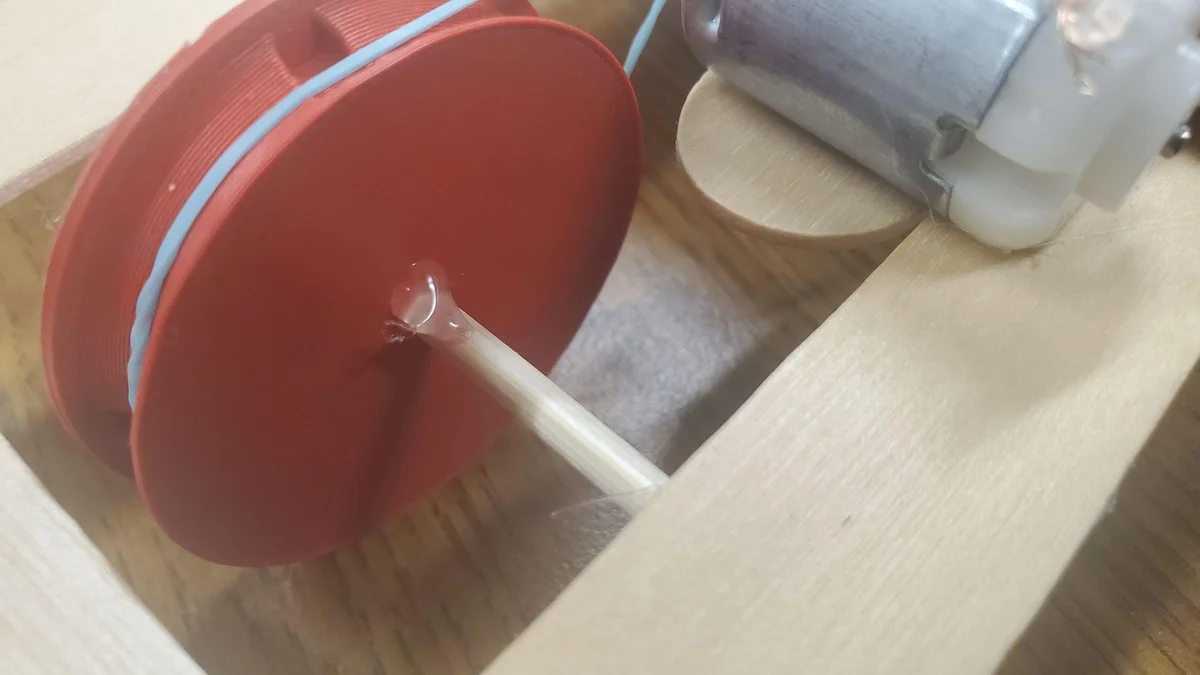
Do the same with the front wheels. AGAIN ONLY HOT GLUE THE STRAW PARTS. Make sure no hot glue touches anything else this is very important to the movement of the wheels. Additionally make sure the 3d printed wheel does not touch anything even when it wiggles a little. Anything touching it will give it friction and could make it not more properly. Keep it as straight as possible. (Optional) Add tape after hot glueing the straws down to reinforce them.

Step 36 image 1
Step 36

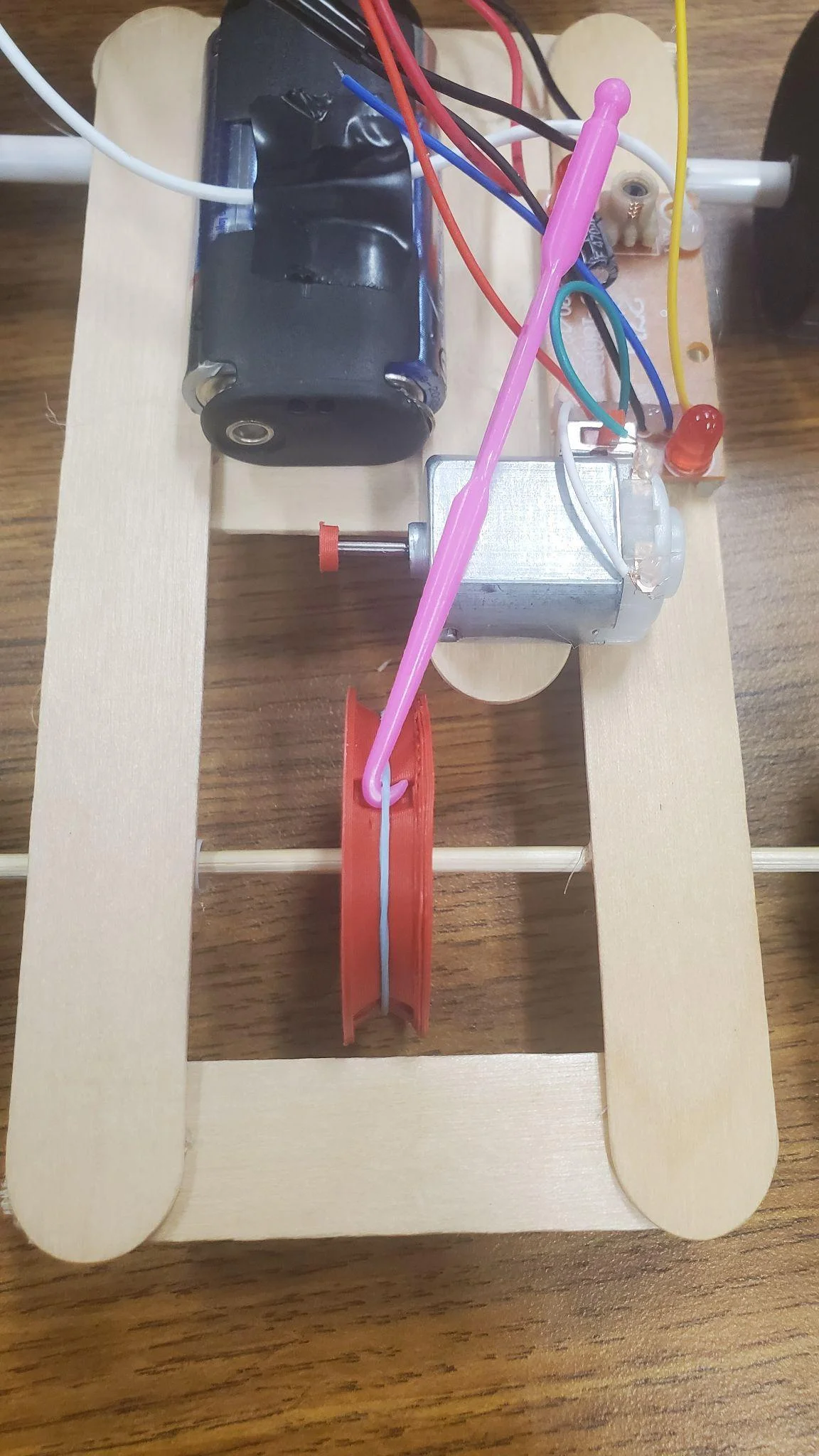
Flip the car back over. Use the elastic tool to grab the elastic out of the 3d printed wheel. And attach it to the motor.

Step 37 image 1
Step 37

Once everything is in place and positioned evenly / centered. Add a bit of hot glue to the 3d printed wheel and the skewer to attach them properly. Only add a little bit in case you end up needing to take this part off to replace the elastic in the future.. THE CAR IS DONE!!!!! Feel free to test it with the RF Transmitter circuit board like was done to test the connections earlier in the step-by-step. NOW on to part 2: the controller.

Step 38 image 1
Step 38

OPTIONAL: Additionally feel free to add a bumper to the front of the car so it has support when it crashes into a wall.

Step 39 image 1
Step 39

First cut the straw in half. Then cut the straw open, as straight as possible.

Step 40 image 1
Step 40

Attach it to the front of the car and hot glue it down.

Part 2: The Controller

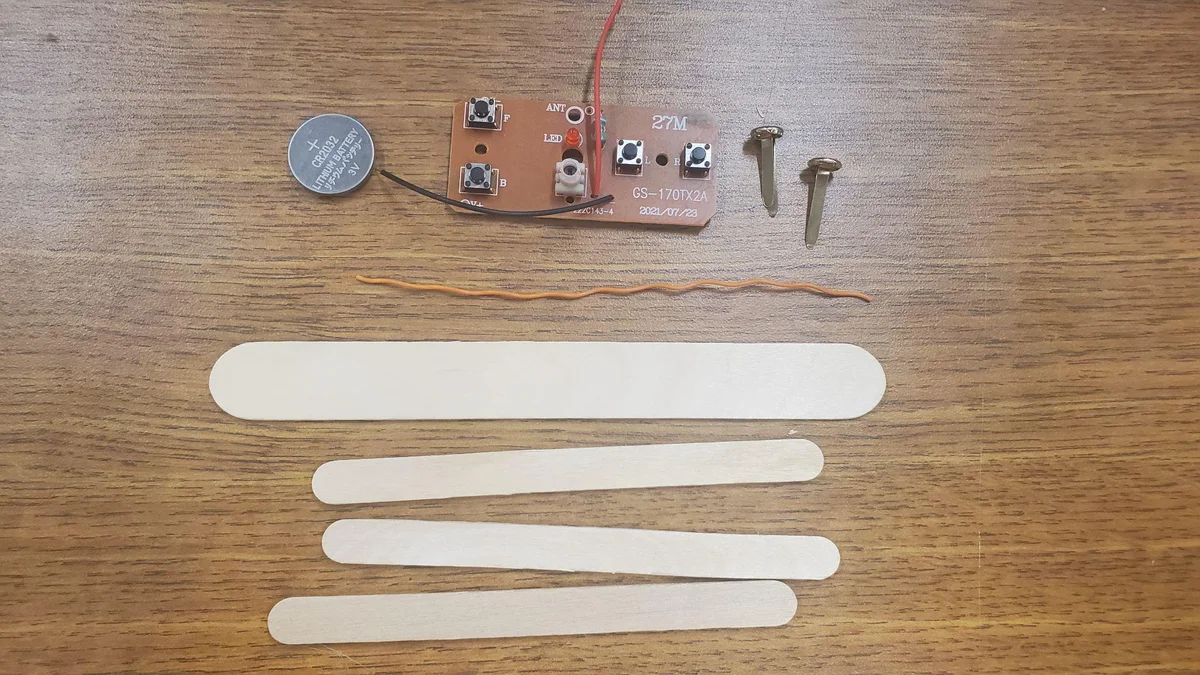
Controller Materials

Materials Overview

Gather the following components for the controller assembly:

  • RF Transmitter Circuit
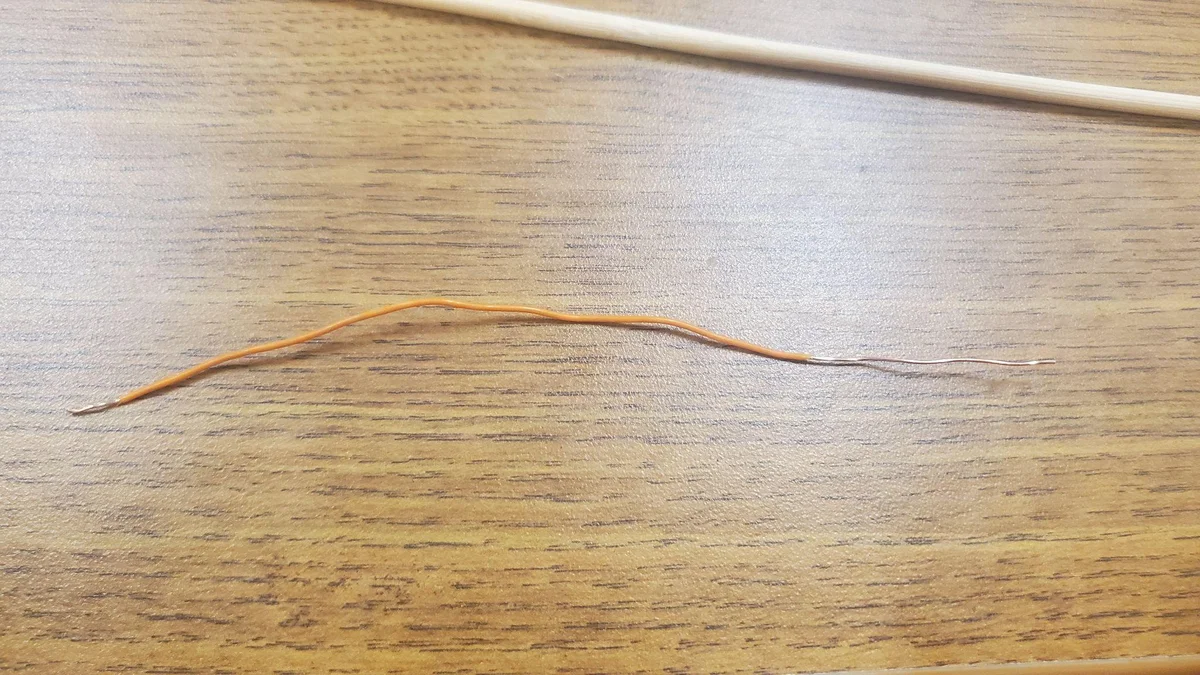
  • Stiff Copper Wire (12cm)
  • CR2032 Coin Battery
  • 2 Brass Fasteners
  • Tools: Wire Strippers, Skewer (4mm), Hot Glue, Ruler, Tape

Step-by-Step Build

Step 1 image 1
Step 1

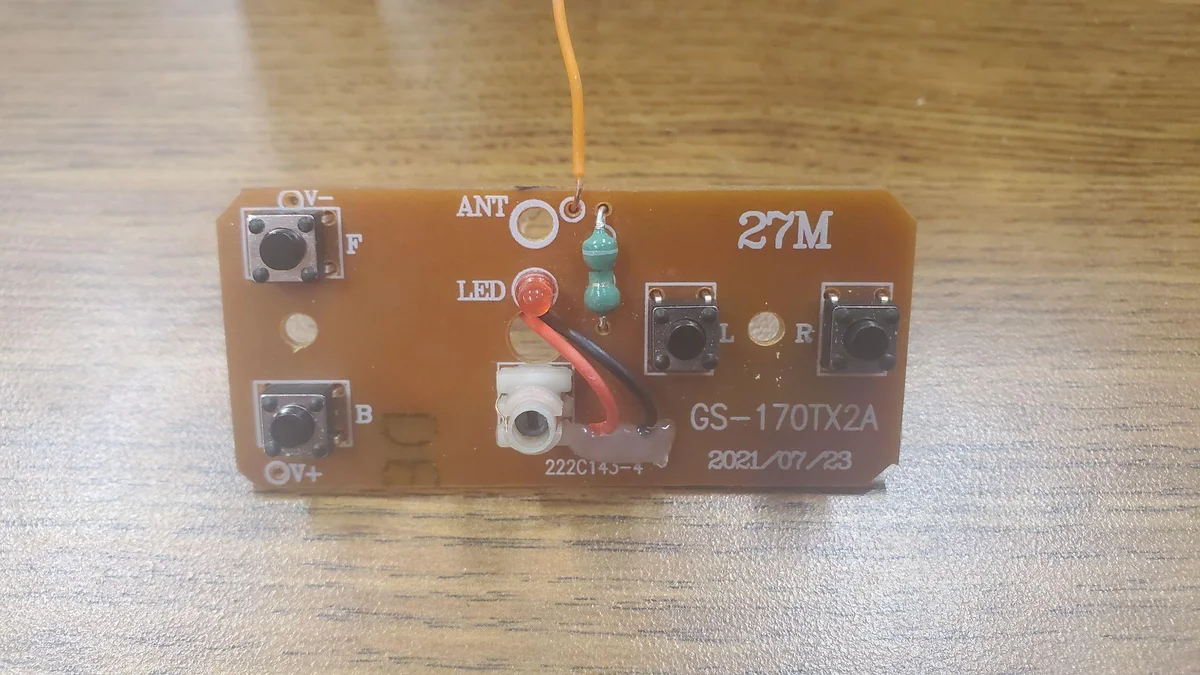
First take the stiffer wire (one that is harder to bend) and strip a bit off one of the ends. Do the same with the other side but strip a lot more off.

Step 2 image 1
Step 2

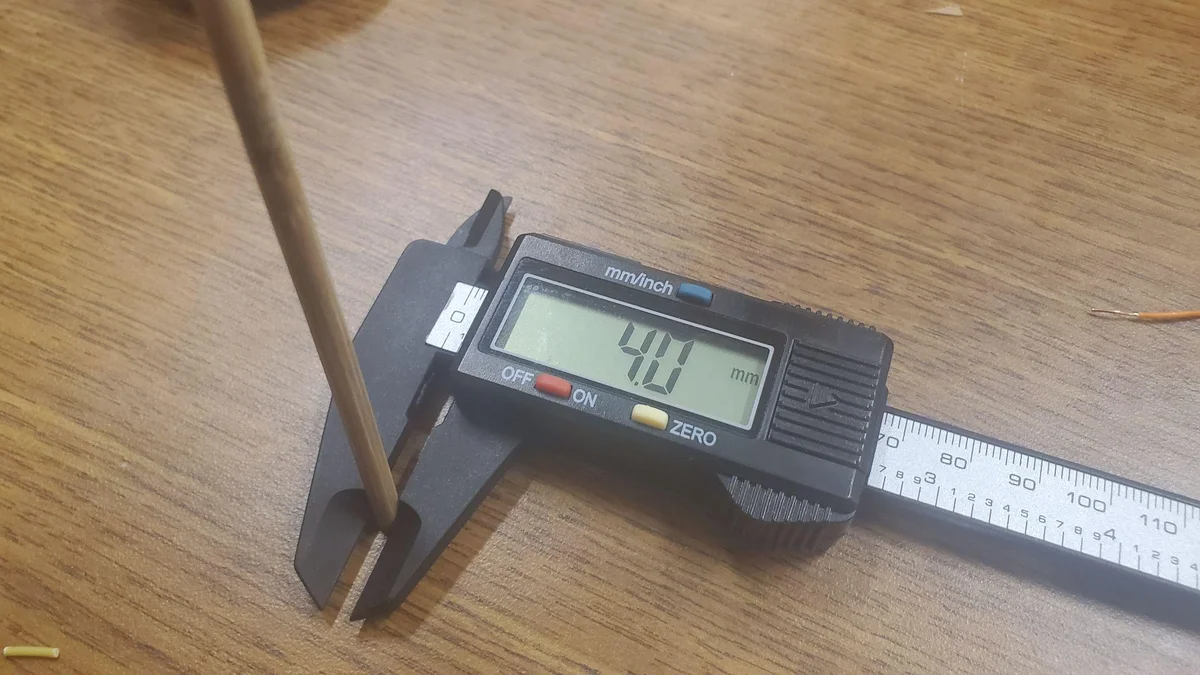
Verify that the skewer is exactly 3.8mm to 4mm diameter.

Step 3 image 1
Step 3

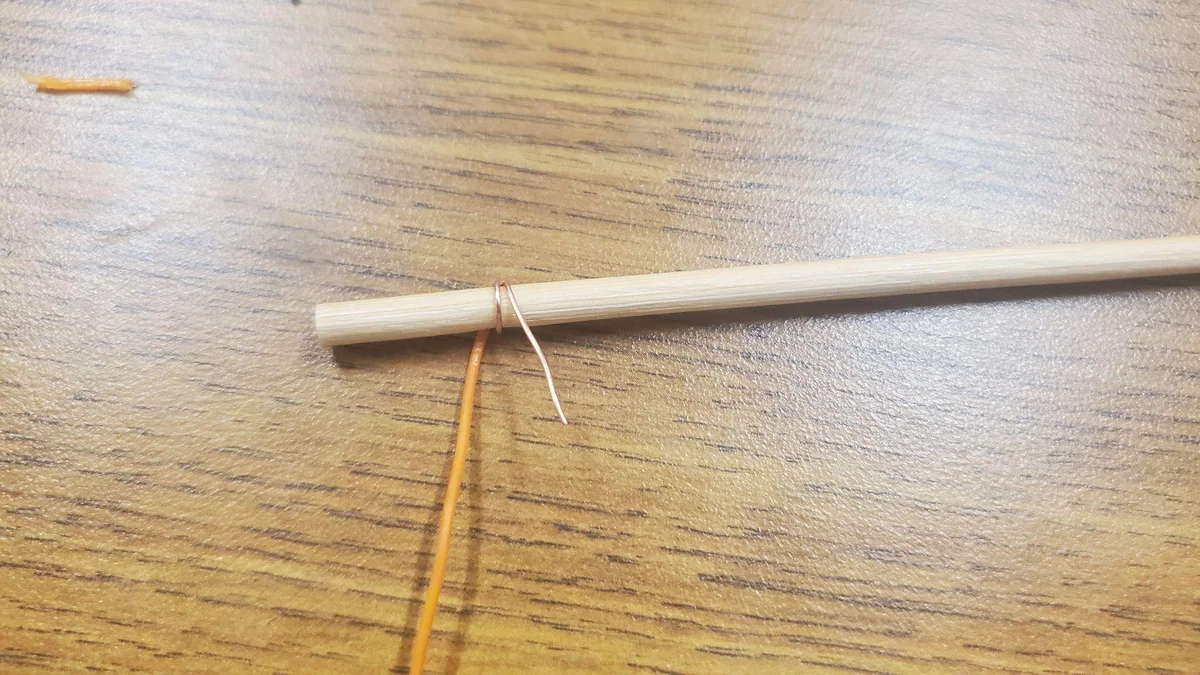
Take the skewer and wrap the wire with the longer stripped side around it.

Step 4 image 1
Step 4

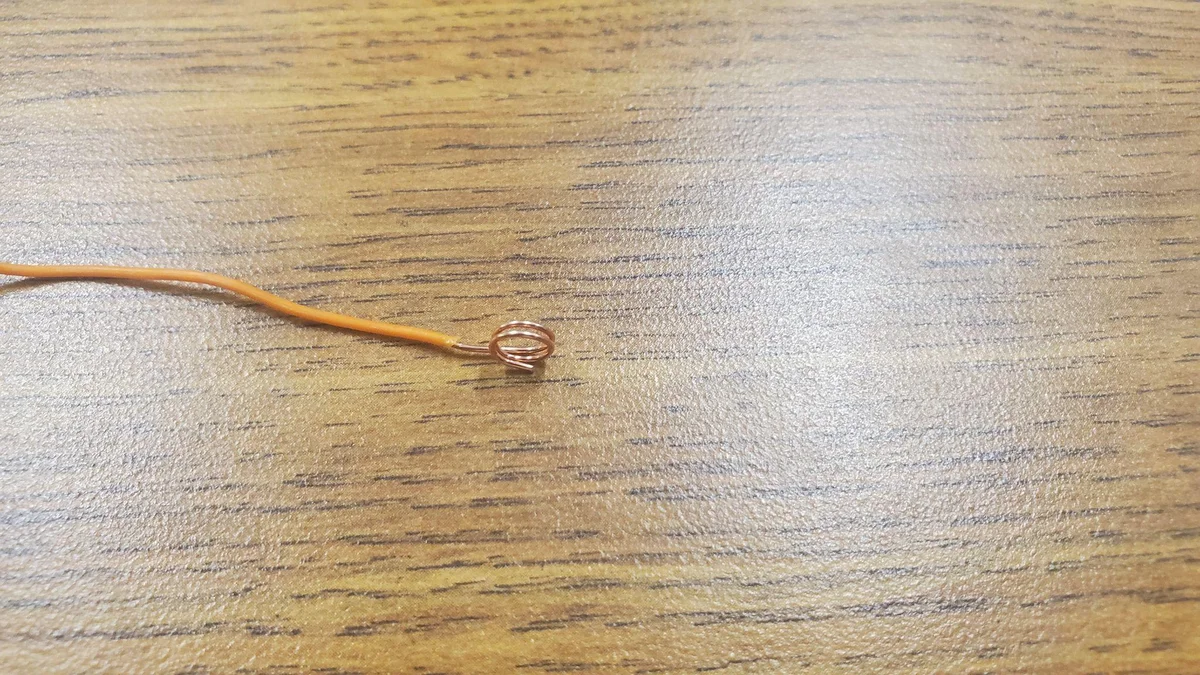
Take it off the skewer and press the circles together so it forms a coil. This will be the antenna for the controller.

Step 5 image 1
Step 5

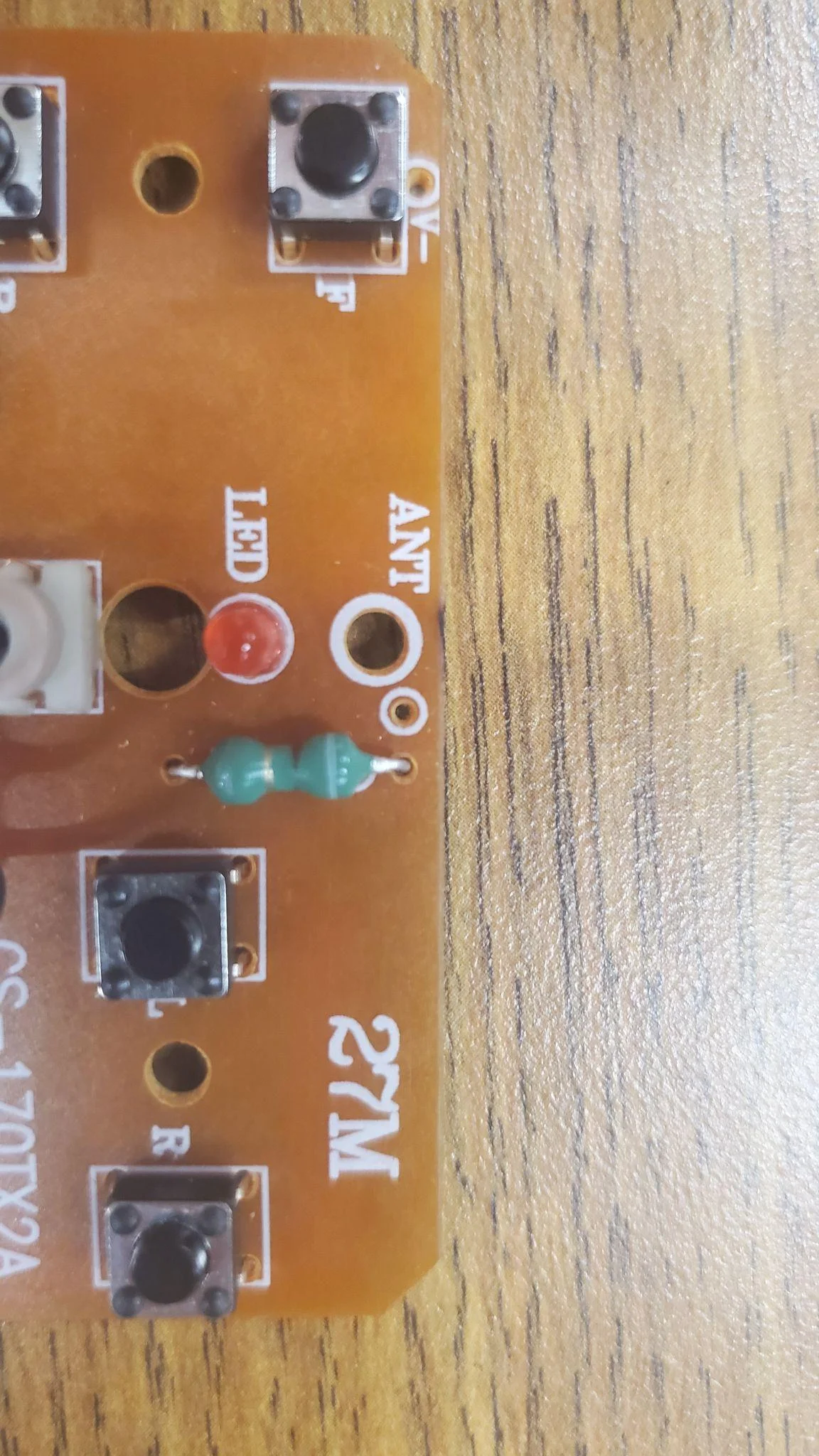
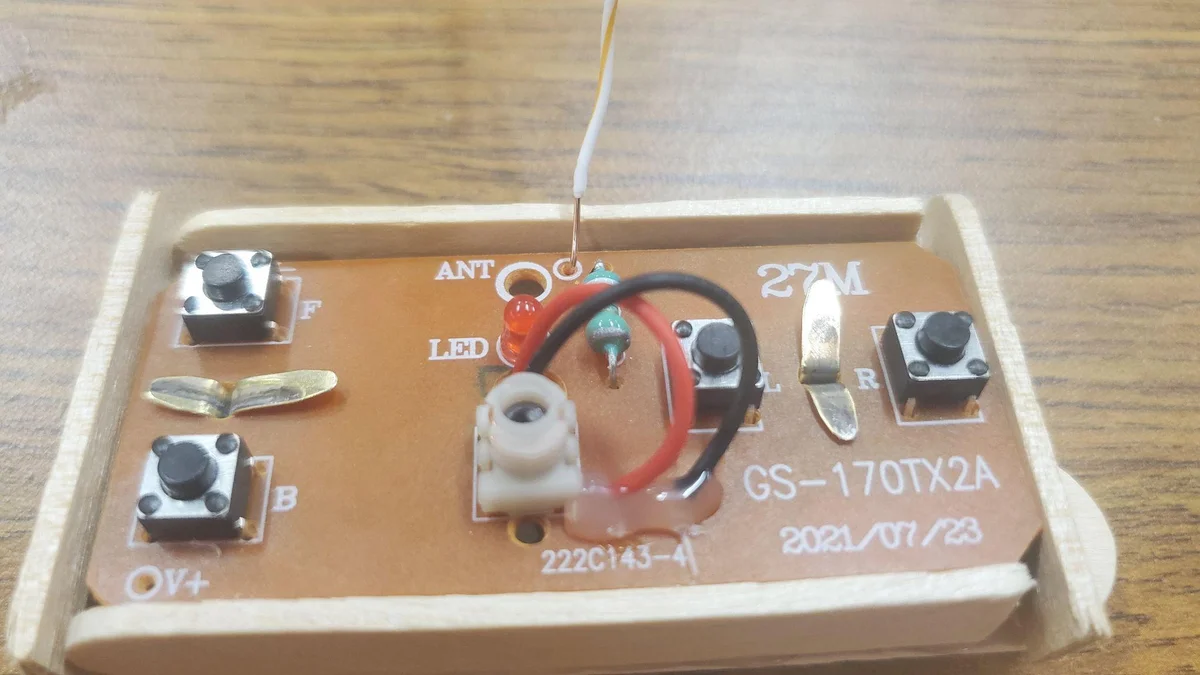
Find the large ANT hole (antenna connection hole) and locate the smaller hole beside it (also an antenna connection hole)

Step 6 image 1
Step 6

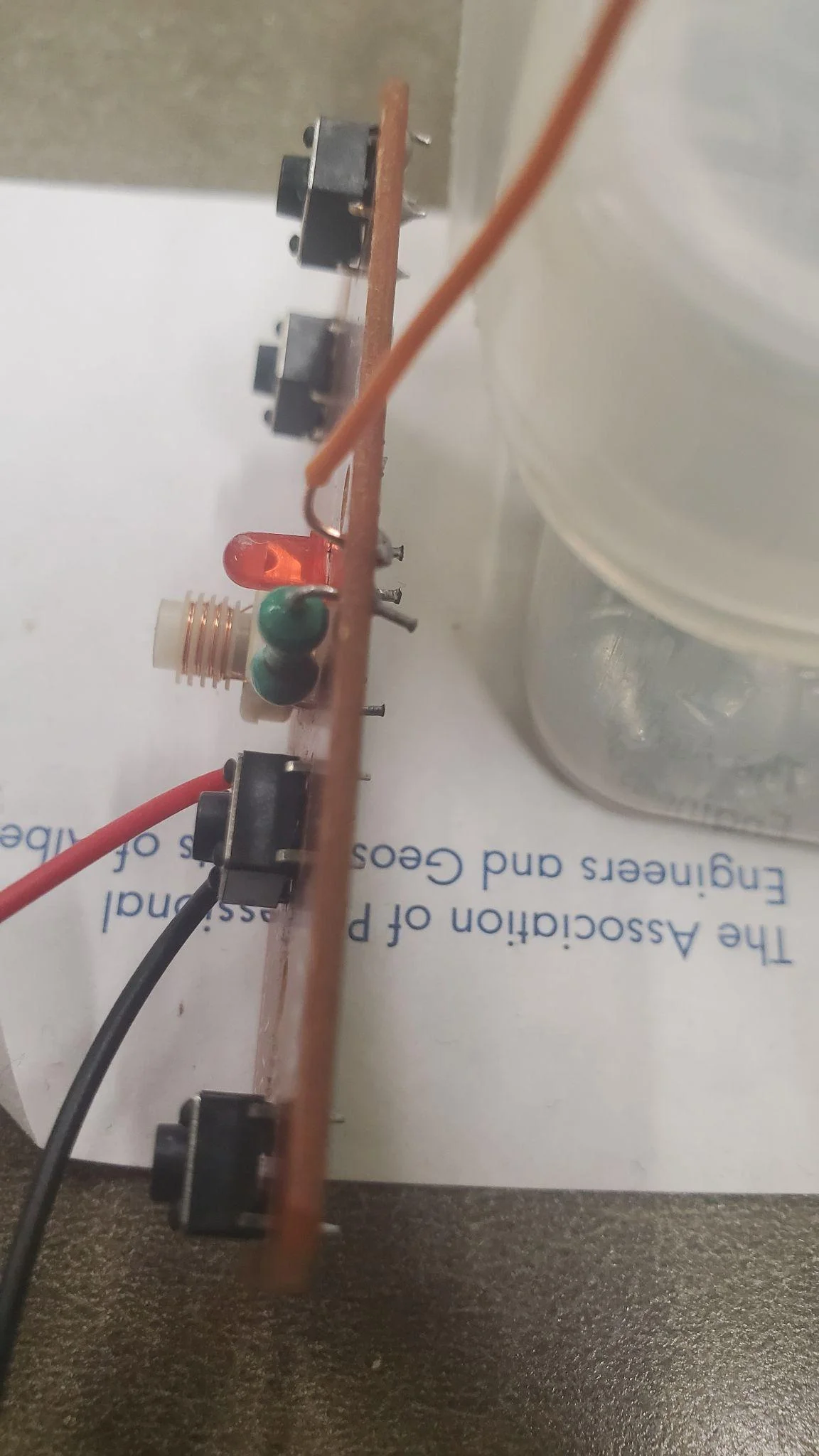
Solder the antenna wire in this hole. This should be the only soldering you will need to do. If you do not solder this it is likely not going to work. (Yes I tried attaching it to the resistor).

Step 7 image 1
Step 7

Hot glue the base of the Red and Black wires. This will help them stay attached better.

Step 8 image 1
Step 8

Strip the ends of the wires to a decent length.

Step 9 image 1
Step 9

Slide the Red and Black wires through the hole in the center.

Step 10 image 1
Step 10

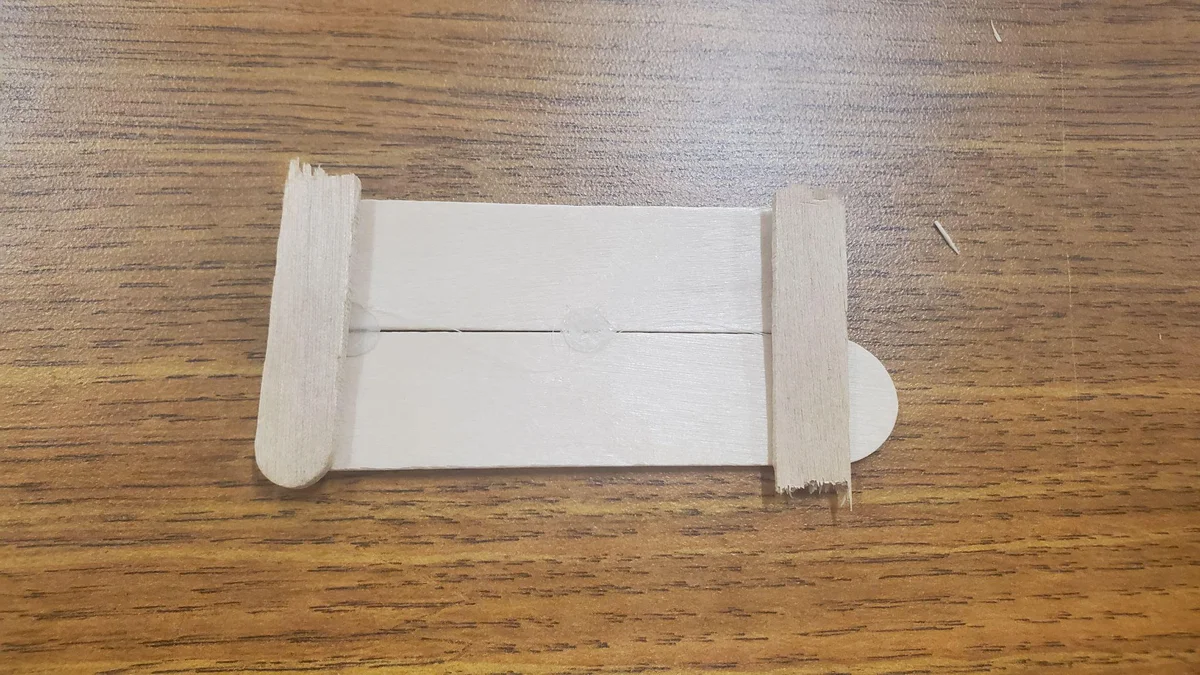
Take the jumbo popsicle stick and snap it in half.

Step 11 image 1
Step 11

Trim the ends with some scissors.

Step 12 image 1
Step 12

Lay them side by side and hot glue the sides and the middle. Leave some space between these dots.

Step 13 image 1
Step 13

Cut a regular popsicle stick the the size of the width of the two jumbo popsicle sticks.

Step 14 image 1
Step 14

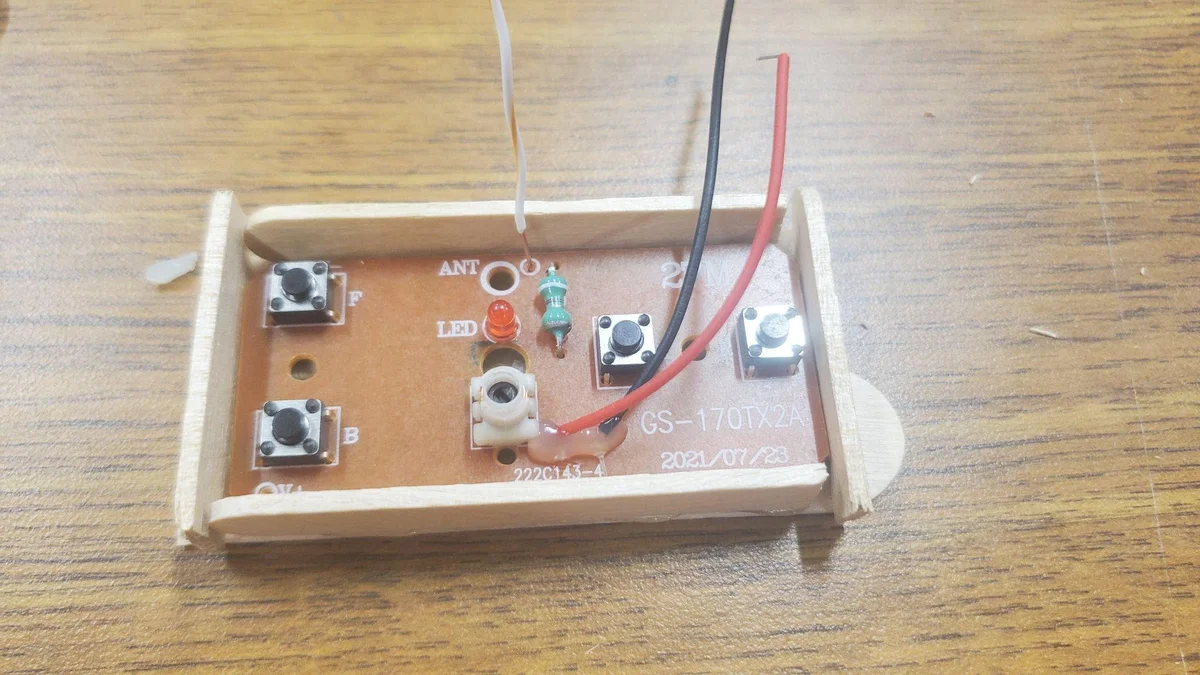
Lay the transmitter circuit down for reference. Then hot glue the regular popsicle sticks on the sides.

Step 15 image 1
Step 15

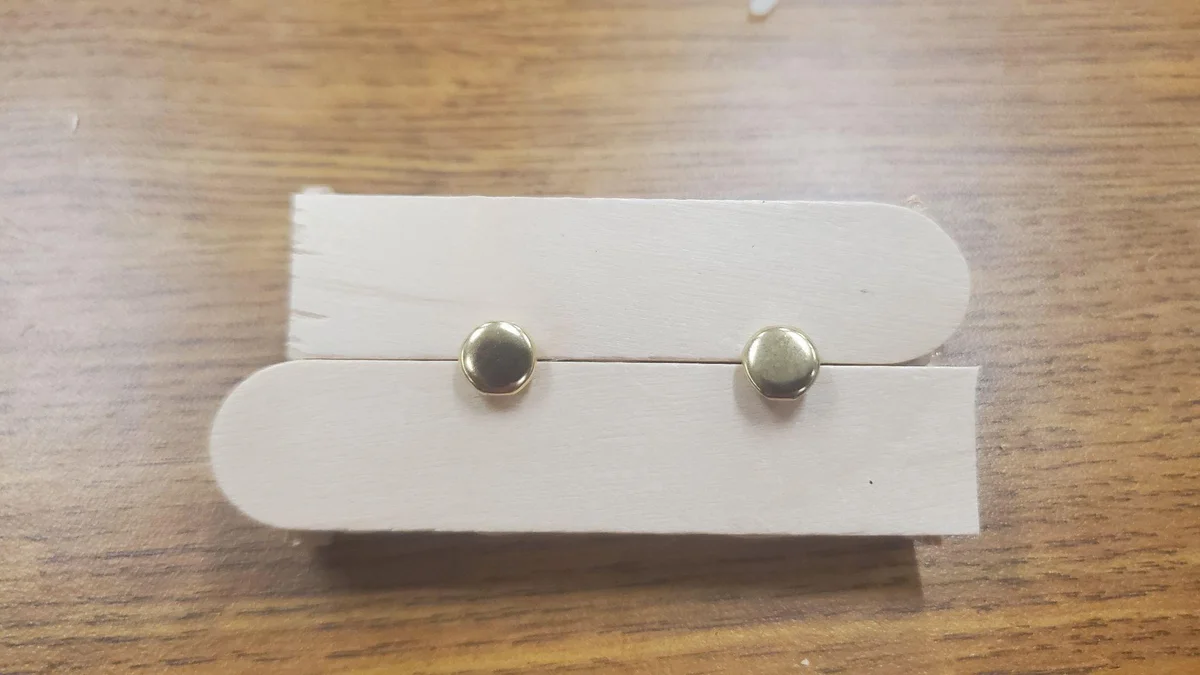
Take the transmitter circuit out and flip over the box. Put two 3/4 inch brass fasteners through the two jumbo popsicle sticks (between the hot glue dots).

Step 16 image 1
Step 16

Twist the left brass fastener 90 degrees. Move the brass fasteners around so that they can fit through the two holes of the transmitter board.

Step 17 image 1
Step 17

Take the rest of the popsicle sticks left and snap off two small parts and tack them with hot glue.

Step 18 image 1
Step 18

Then hot glue stack to the left of the box.

Step 19 image 1
Step 19

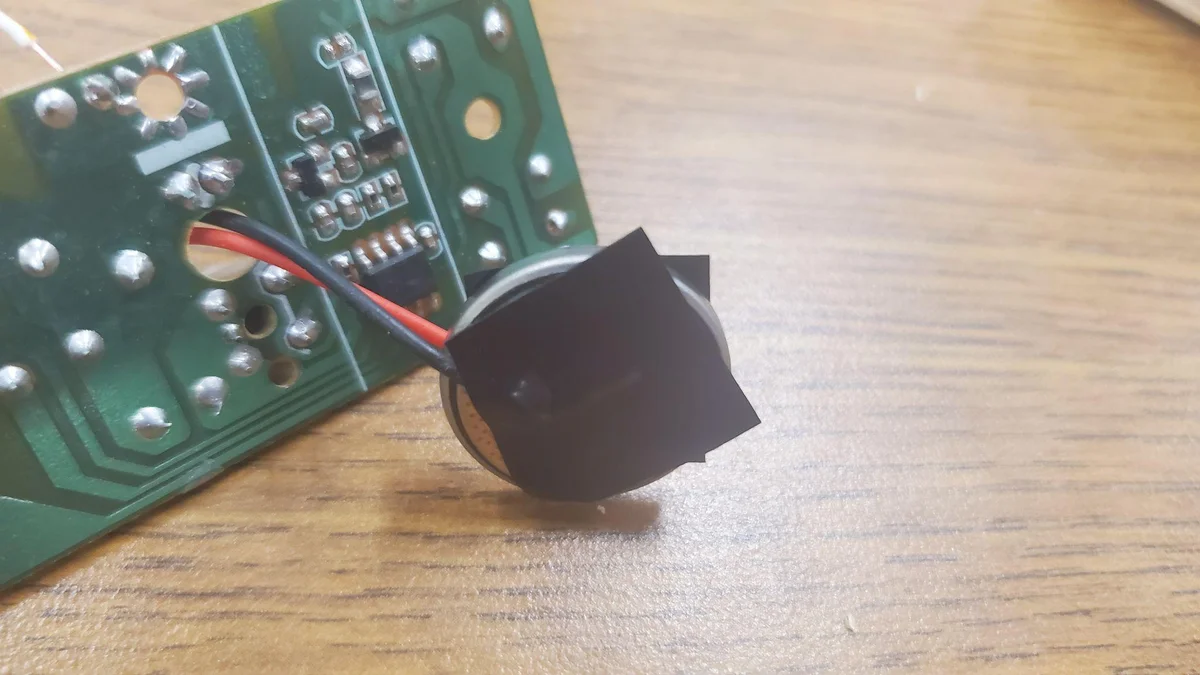
Use some electrical tape to attach the red wire to the positive ‘+’ side of the battery and the black wire to the negative ‘-’ side.

Step 20 image 1
Step 20

Place the battery on the right side of the box.

Step 21 image 1
Step 21

Place in the transmitter circuit. Open the brass fasteners to hold the circuit in place.

Your Mission

You've built a functional, AA battery powered vehicle that can zip forward and backward. But a truly great engineer never stops at just "functional." Currently, this car is limited to a single axis of motion.

The Challenge: Design and implement a steering system.

  • How could you pivot the front axle while maintaining structural integrity?
  • Can you utilize a second motor or a servo to control the direction?
  • How would you modify the RF controller to handle left and right commands?

Take the foundation you've built here and make it steerable. The best designs often come from the simplest materials!